

I went everywhere on PostHog's new website so you don't have to...but you should
What else should I add in here?!

The dust has settled. The social media oracles have spoken (apparently the new site is about to boil PostHog’s conversion). You probably didn’t play with it enough, so you’re here for the easter eggs. Which is unfortunate, because that’s absolutely not what this piece is about.
DISCLAIMER: Neither the writing style nor the tone of James Hawkins was used, and no PostHog shareholder value was harmed in the making of this post.
Before I dive in, I’d just like to acknowledge the dozens of easter eggs I’m definitely not going to find.
Motivation for this piece
This was meant to be the first post in my new sub-Substack series called X-Rays. Basically me overexposing devtools websites through dev marketing lens. One day I’ll turn it into actual (im)proper content. You choose whatever format works for your reading time.
But yeah… no new formats for now. My Substack is like four weeks old, lol.
PostHog’s Website TL;DR
Where you should head depending on who you are and whatever brought you here (no, I’m not recapping the whole site in this one paragraph):
Skimming products (technical or not, more or less doesn’t matter))
Need to convince the finance overlord at your corp to pay for PostHog
Where am I
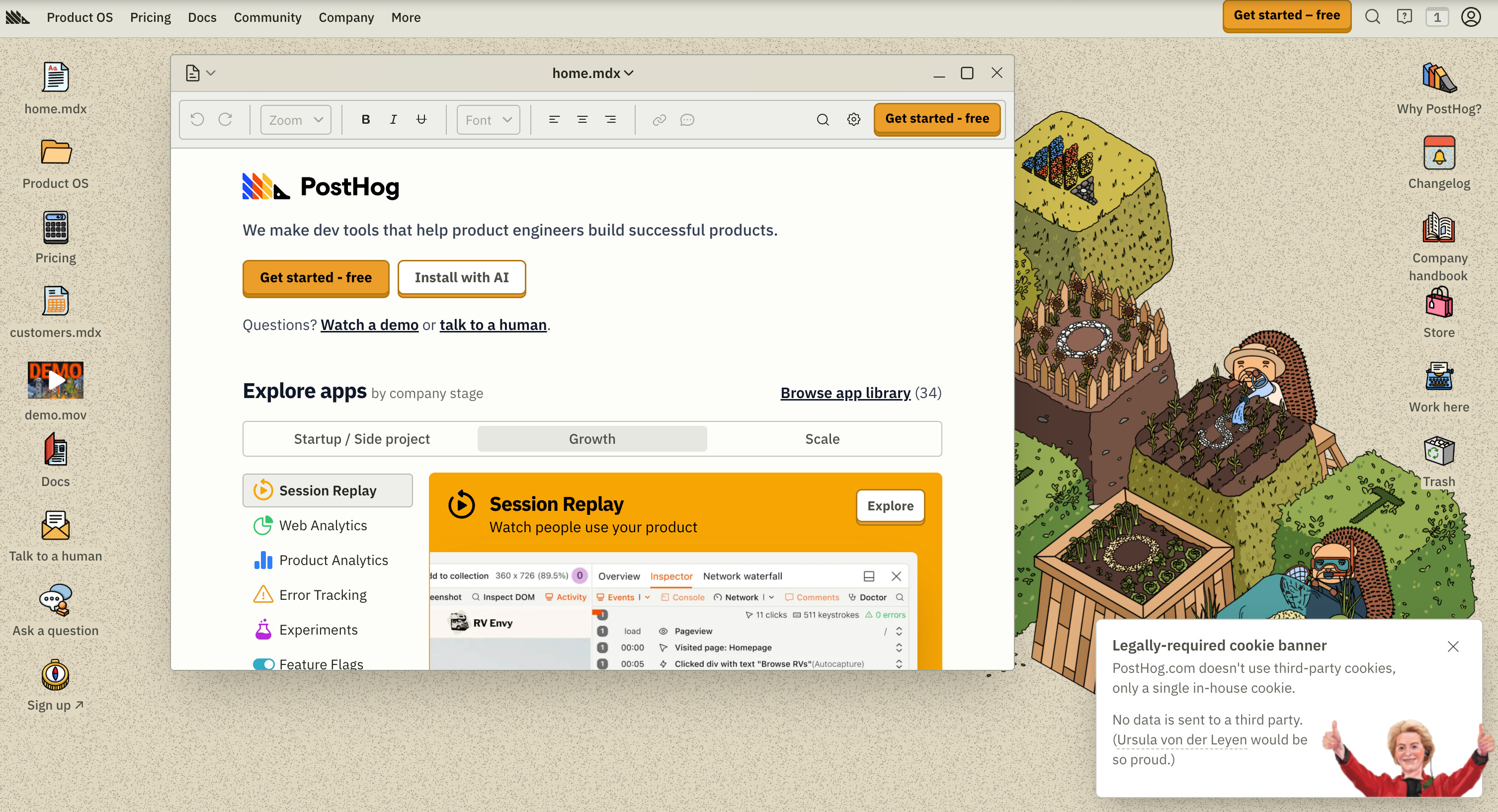
Ever heard of Windows Millenium? It’s an OS, bro. PostHog’s new website is like that, except it hasn’t crashed for me yet.
Cool, but what dark magic is powering this thing behind the scenes?
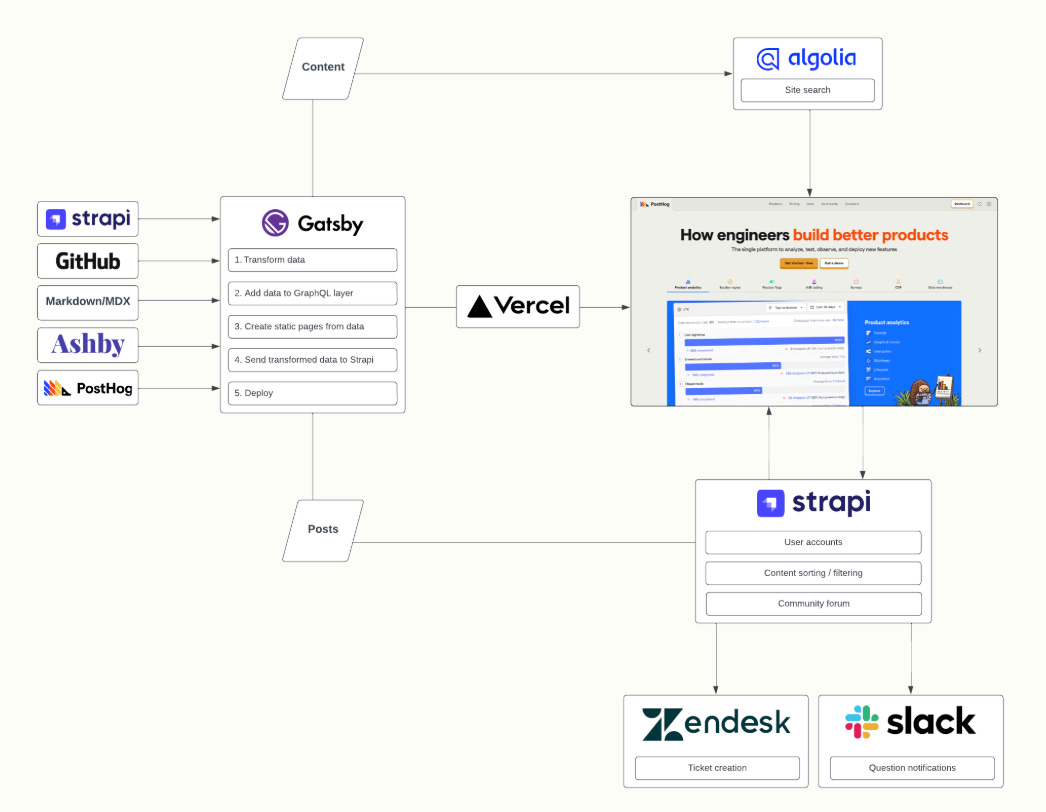
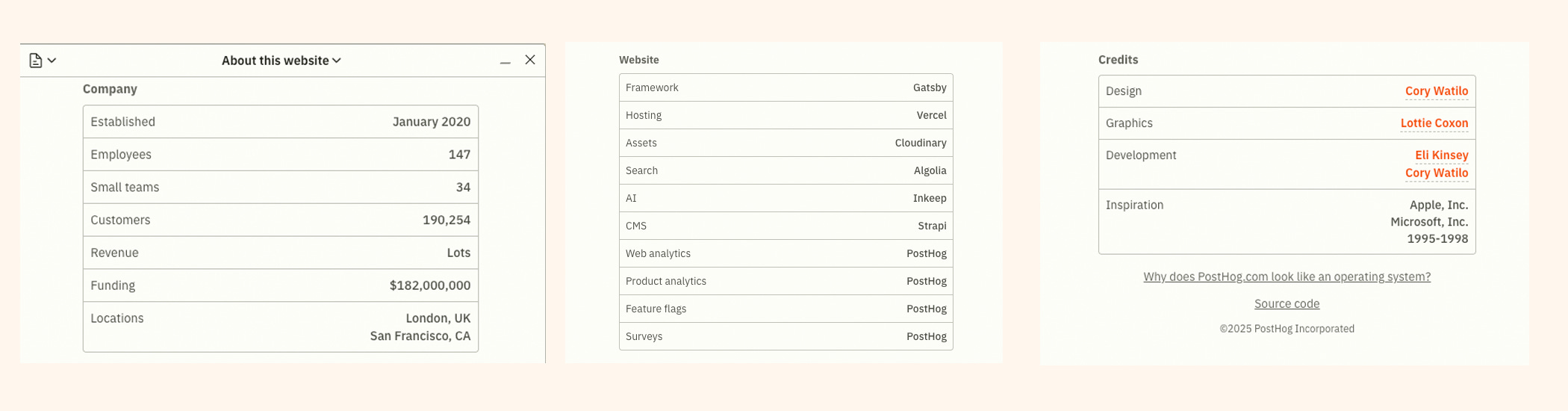
If you have deeper, existential “how does this thing even work” questions, go ask Cory Watilo or Eli Kinsey. They built the thing.
If you just want the basics, click the hedgehog in the upper-left corner of the website. Yes, the hedgehog. Don’t overthink it.
Yes, you can move the files. Yes, there’s a screensaver. Yadda yadda.
But let’s head in a completely different direction before I get distracted again.
How to navigate this thing?
When I first landed here, I thought: Okay… where do I even start? This place is like nothing my overstimulated brain is used to. I can barely navigate normal devtool websites, how am I supposed to survive this?
Then I had an eureka moment.
I need to find my navigation plane for this thing.
Here’s what my brain did next:
Desktop: folders, files, windows popping up
Navbar: the “formal” route
We humans are great at chunking information to stay functional. And, as I later discovered, all these components actually connect to each other, which makes total sense for something that’s basically an OS.
Want windows popping up everywhere? Sure, go wild. Prefer order? Open everything in a new browser tab like a civilized person. How? Exactly the way you’ve been doing it your entire dev career.
The desktop
Welcome home. On PostHog’s website. Feel free to settle in. Throw some bookmarks around, open too many windows, reorganize files and folders like you’re customizing an OS you actually like.
home.mdx
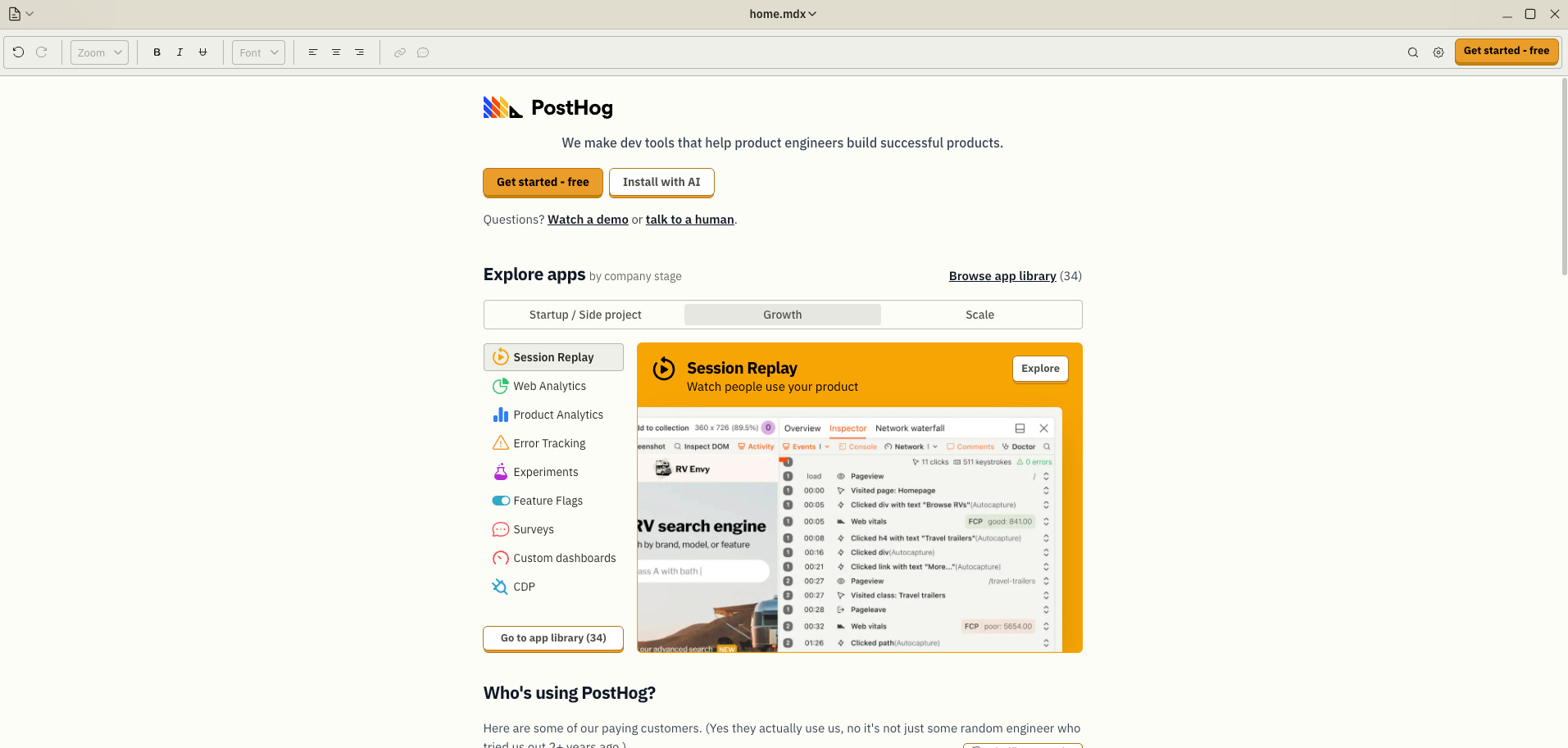
The most crucial bit here (developer instincts never lie): hit “Get started.”
Not the “Get started - free” option - (wait, is my data physically stored under someone’s IKEA desk?).
I mean the important button. “Install with AI”

Don’t worry, you old retro code guy. You can do it in your good ol’ terminal, or from Cursor, Replit, Bolt, whichever makes you feel the least judged.
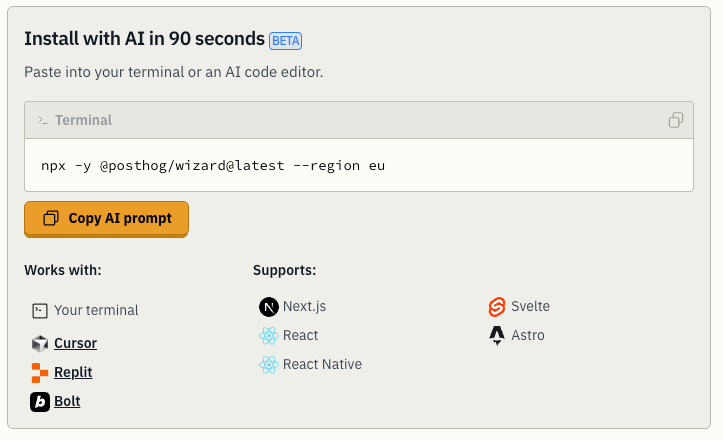
What else do I recommend in this file (after actually going through it myself)? The 16-minute PostHog platform demo.
If you’ve heard about PostHog and started poking around, you’ll probably like the next mini-section - Explore apps. Why? Because you can browse by company stage, which is way more useful than it sounds at first (it also shows up in the Product OS tab in the navbar)
Want to see how other devs like you use PostHog? Check out Who’s using PostHog?
There are so many devtools companies out there plastering big logos everywhere to build “social proof” and convince you to trust them.
But… are those companies actually using their product? Or is it just one rogue engineer messing with it after hours?
Here, the claim actually feels legit.

Oh, what’s that button up there?
What’s a more useful way to categorize your customers than with boxes like:
Names you can easily mistype
Names with 7 letters or less
Everyone else (for now)
Companies who should do case studies
Real words
Not real words
Duuude, they got me.
Scroll a bit and you get a few lines subtly explaining what’s actually powering PostHog’s Product OS and why you probably need it (yes, you guessed it; a customer data platform, but cooler)
Next up: how much you pay for all that jazz. Usage-based, transparent, and suspiciously “let us do the heavy lifting so you don’t blow up your infra” vibes.
Then comes a quick “why don’t you use PostHog AI?” section.
Convincing, but not pushy. Early persuasion done right.
You wrap up with a short bit about the company itself (not the product): culture, philosophy, and the kind of stuff that actually matters when you’re picking a stack (I already dove into that earlier)
You think that’s all for home.mdx?
Oh no. Absolutely not. There’s still more.
For example: UI adjustment options.
Why not play with them? Your inner 2008-era desktop customizer is begging you.
And of course… the Shameless CTA.
If you’re from the late 80s or early 90s, you’ll spot the CD reference instantly.
If not, don’t worry, half this blog can’t decide what’s serious anyway, so you’re in good company.
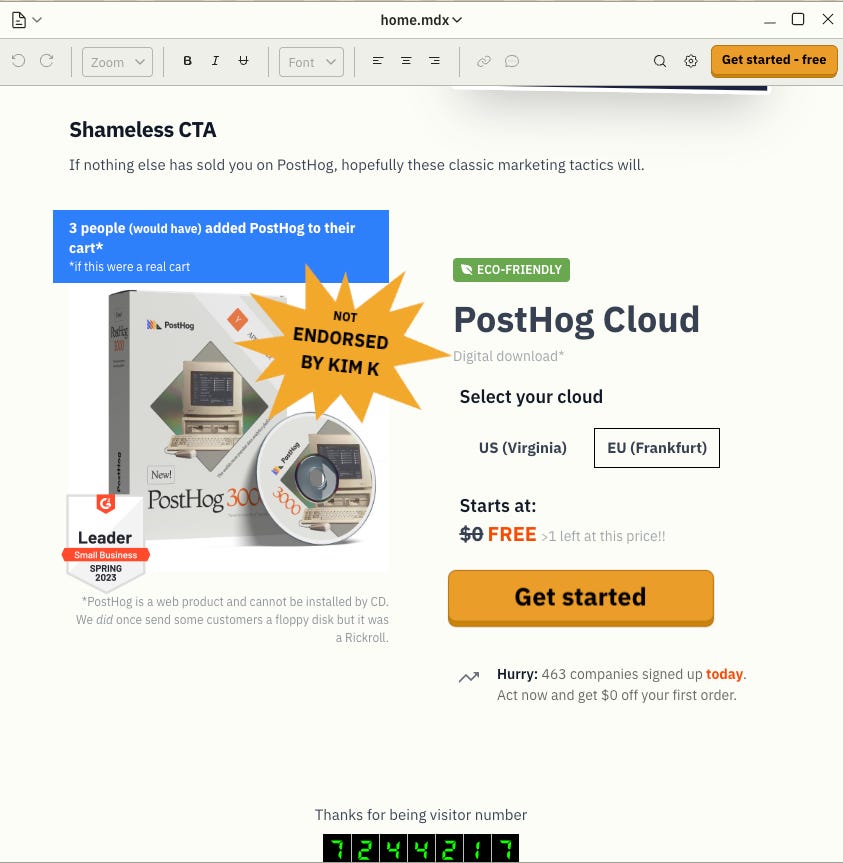
Just kidding… thank me later. You’re probably not seeing a better devtool deal today. It’s free, and somehow you can still get a discount. Or not. Who knows.
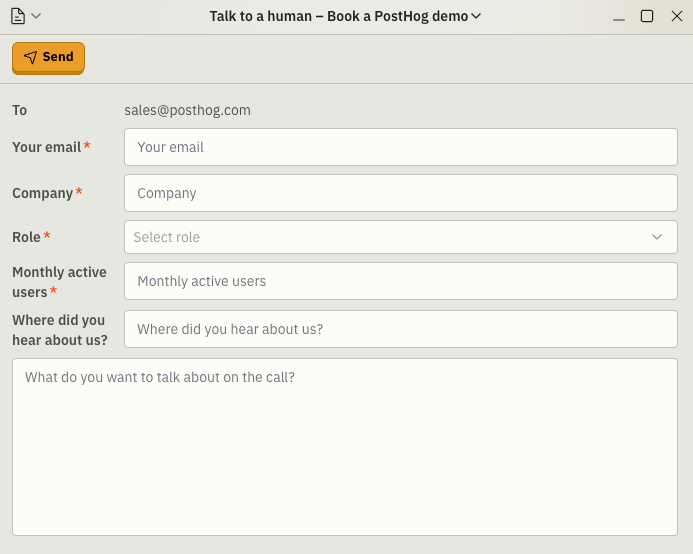
Oh, and one last thing: PostHog’s “Talk to Sales”- ahem, Talk to human CTA.
It’s short, practical, and surprisingly not cringe. I follow some of their sales folks on LinkedIn (the job marketplace / content farm hybrid), and they’re genuinely technically strong.
So no, they won’t bore you to death.
The rest of the stuff on the desktop
I started navigating from the desktop (not the navbar), and with this old–new mashup of a UI, you truly don’t know what you’re walking into.
But it turns out most of the desktop items link back to the navbar (and vice versa).
home.mdx
Why PostHog?
Changelog
Company handbook
Store
Work here
Product OS
Pricing
customers.mdx
demo.mov
Docs
Talk to a human
Ask a question
Sign up
Okay, secret time. I know precisely how this bi-directional info architecture came to life.
The graphic designer and frontend engineer were moments from declaring victory…
when someone from PostHog C-level (want to take a guess) teleported in, pointed at random pixels, requested last-minute changes, and summoned posthog-website-finalfinal.js into existence, now with fully bi-directional navigation.
Designers, frontend devs, and shareholder value: the holy trinity of chaos.
But wait
There’s one more thing you can’t get to from the navbar: Trash.
I tried deleting a few desktop files, but apparently PostHog thinks I shouldn’t be trusted with that level of power. Rude, but fair.
Alright, fine. Let’s dive in. Bleh.
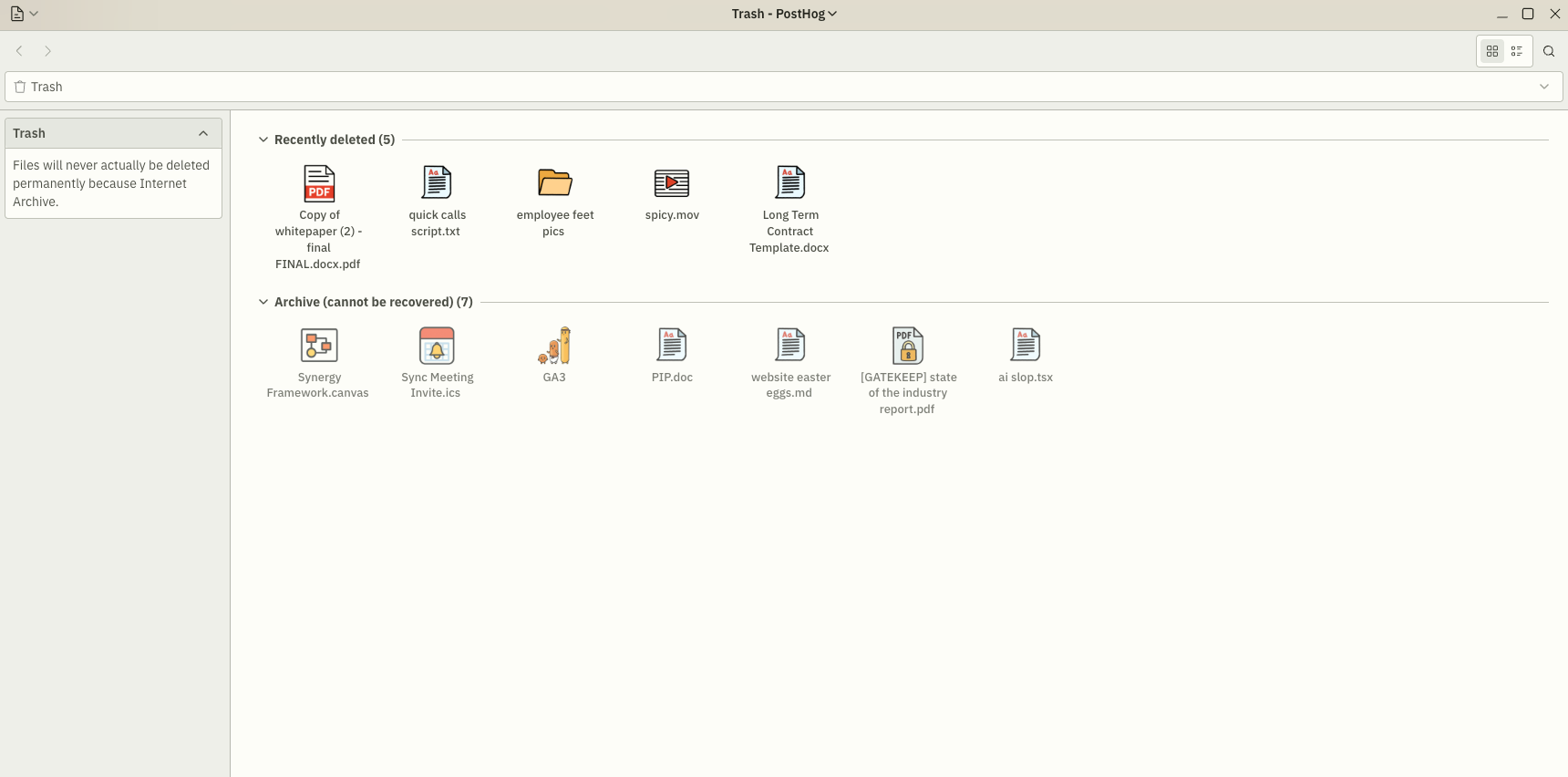
You can’t access the ones in the archive, even though the titles are ridiculously tempting. So fine, let’s play with Recently deleted instead.
Copy of whitepaper (2) - finalFINAL.docx.pdf
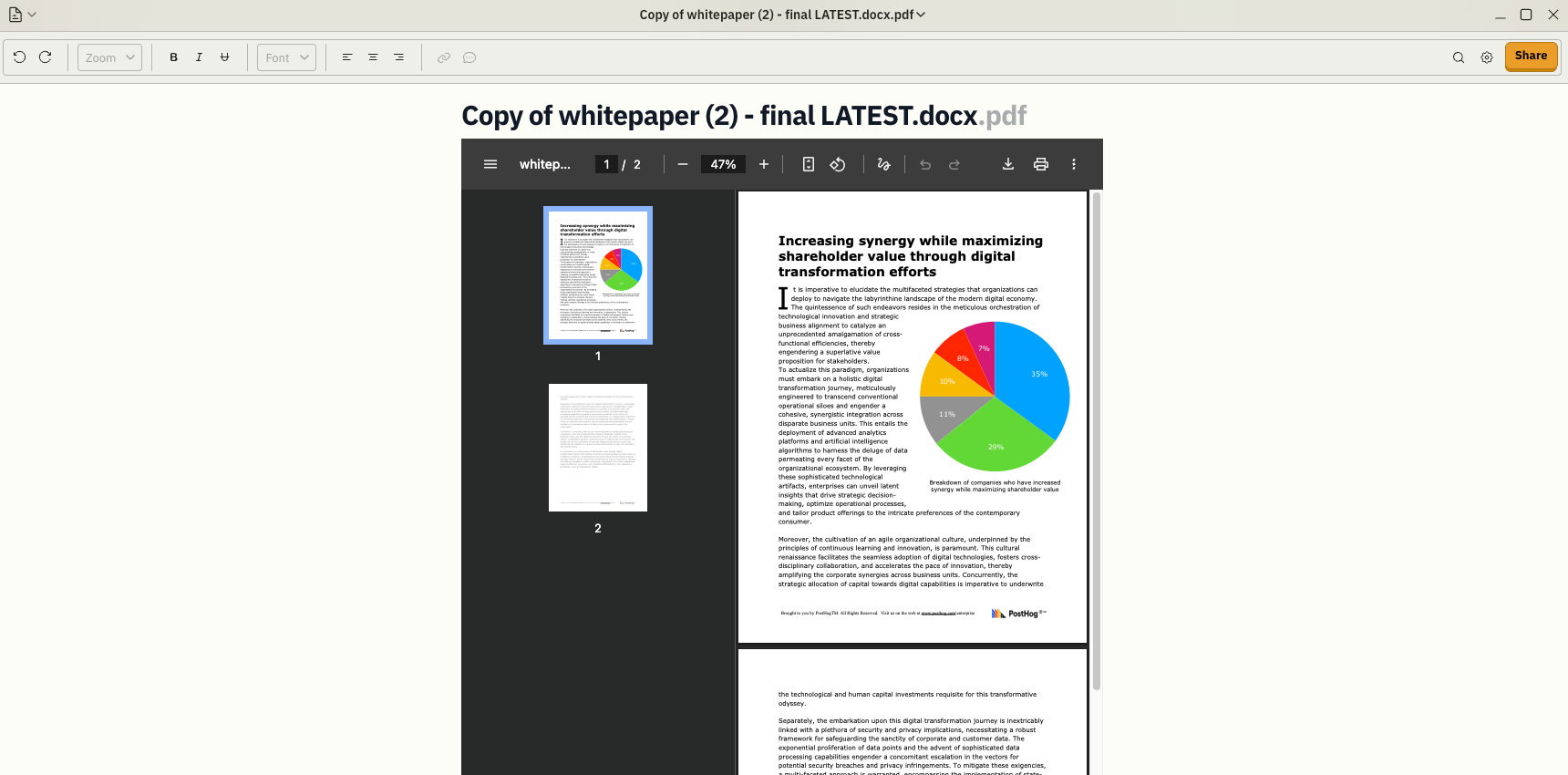
If there’s only one thing you explore on the new website… it’s this.
quick calls script.txt

Okay… two cool things here.
Hover over the Share button. Click it.Boom: 90s sound nostalgia. The first time I did it, it played Cher. Then I clicked Share again and something totally different happened.
I have no idea why, but I’m not questioning it.
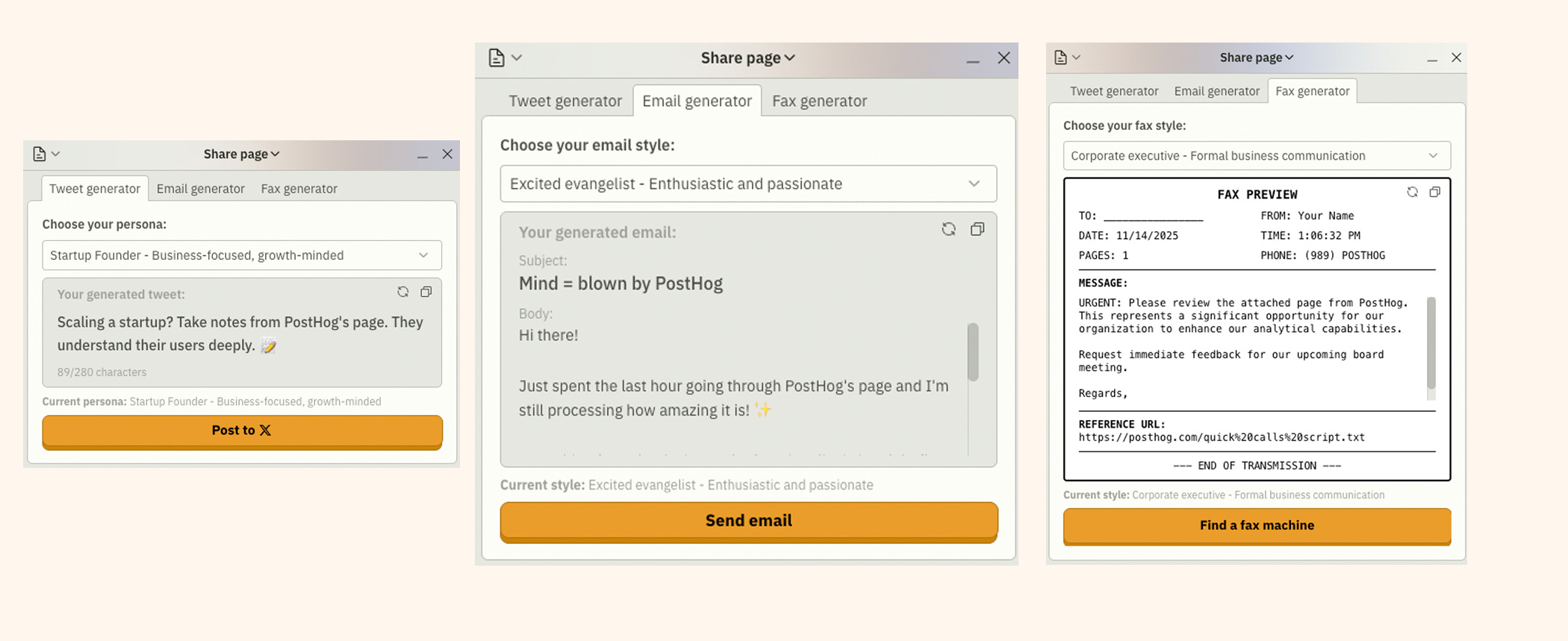
b r i l l i a n t.
All your social channels → covered.
All your writing tones → covered.
Local fax machines → somehow also covered.
Second thing: the in-depth comparison.
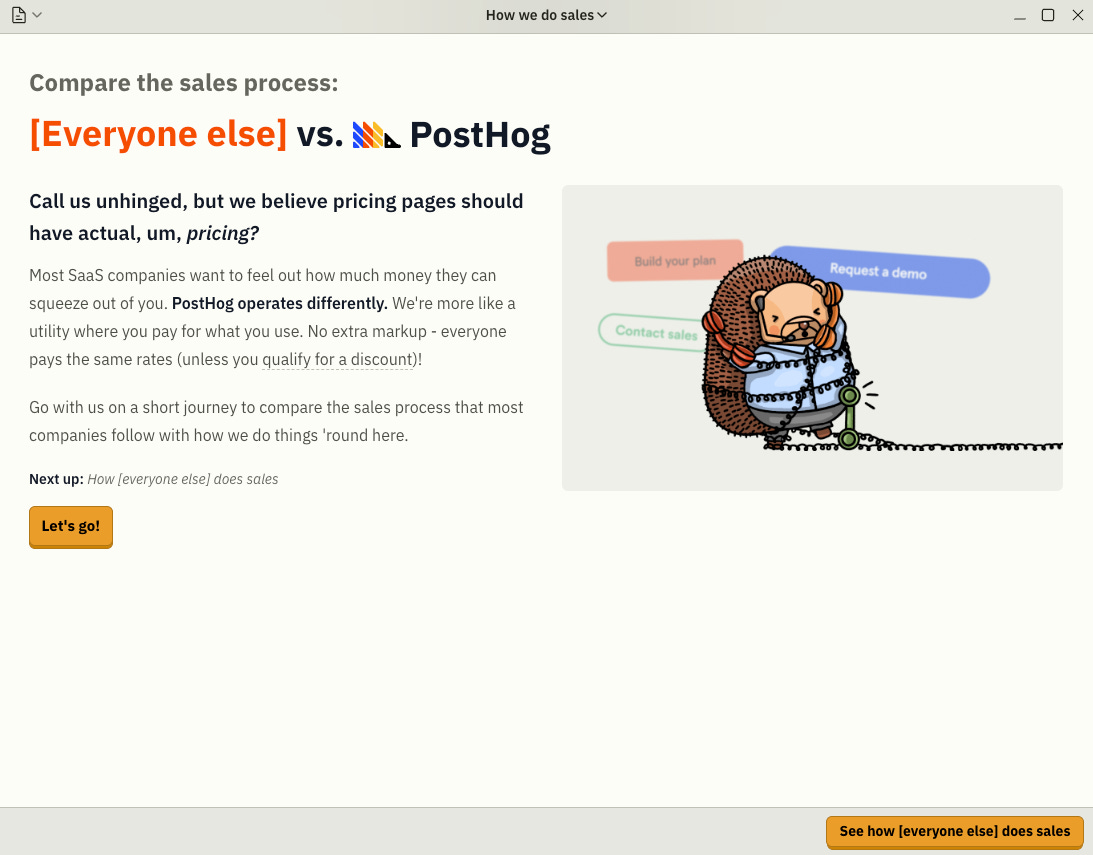
And then just click whatever orange button. Trust the process.
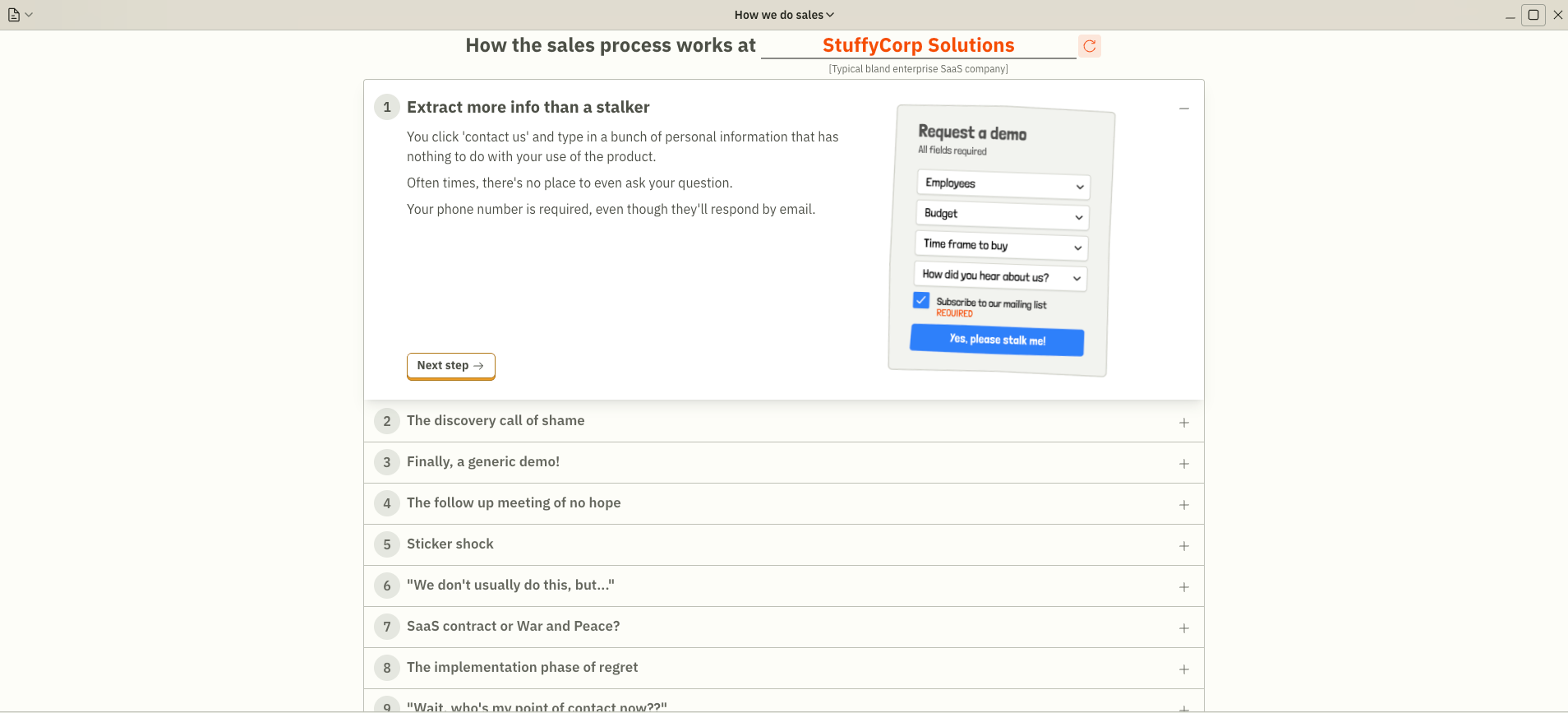
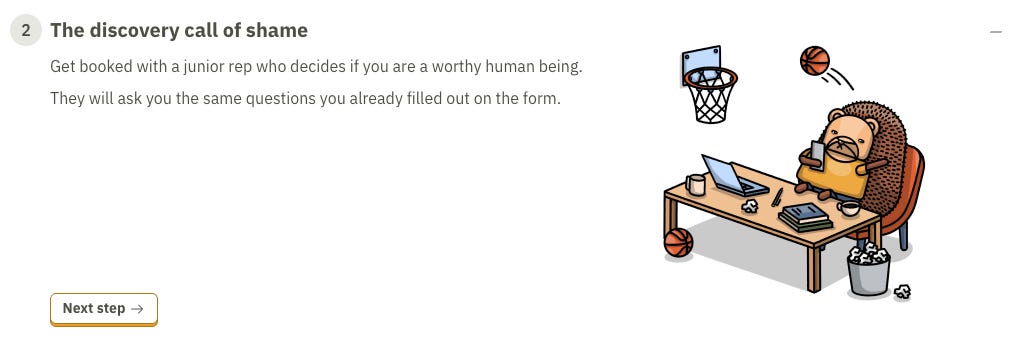
W O W. They’ve mastered the forbidden art of explaining what typical SaaS discovery feels like.
employee feet pics
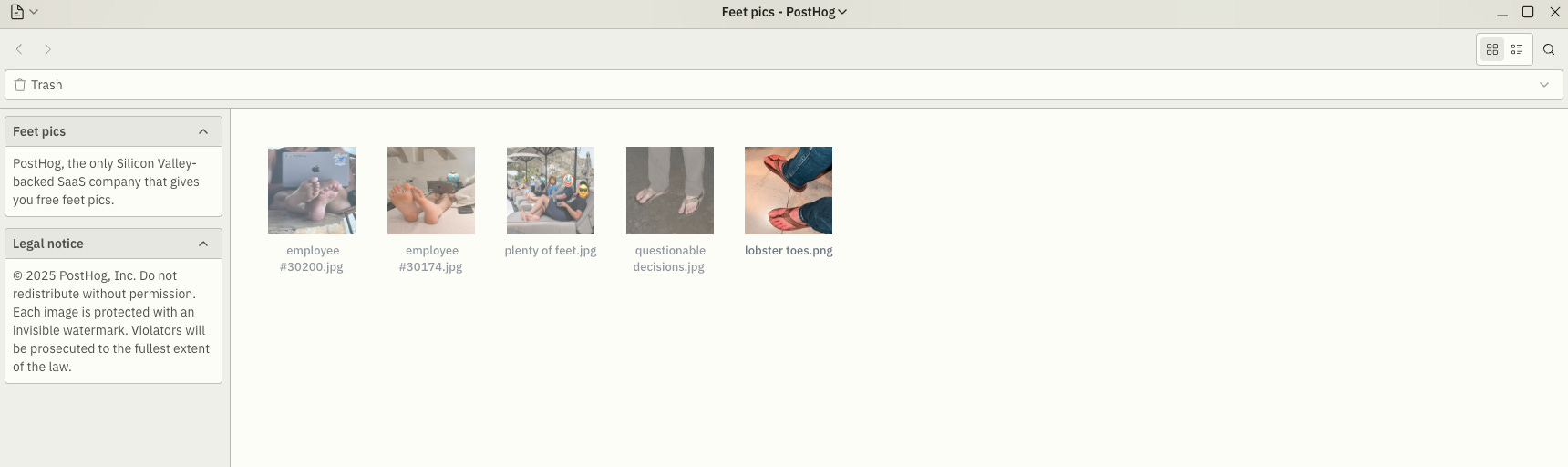
Not my vibe. Might be yours. Not judging.
spicy.mov
Haven’t enjoyed those retro sounds in a while. Thanks, PostHog!
Long Term Contract Template.docx
I don’t think they’re chasing the super-enterprise’y stuff. But might be wrong.
The navbar. The left side of it actually
Product OS
So I started with this one, and because I’m a tech guy, my brain immediately went: hmm, what’s the structure of this thing?
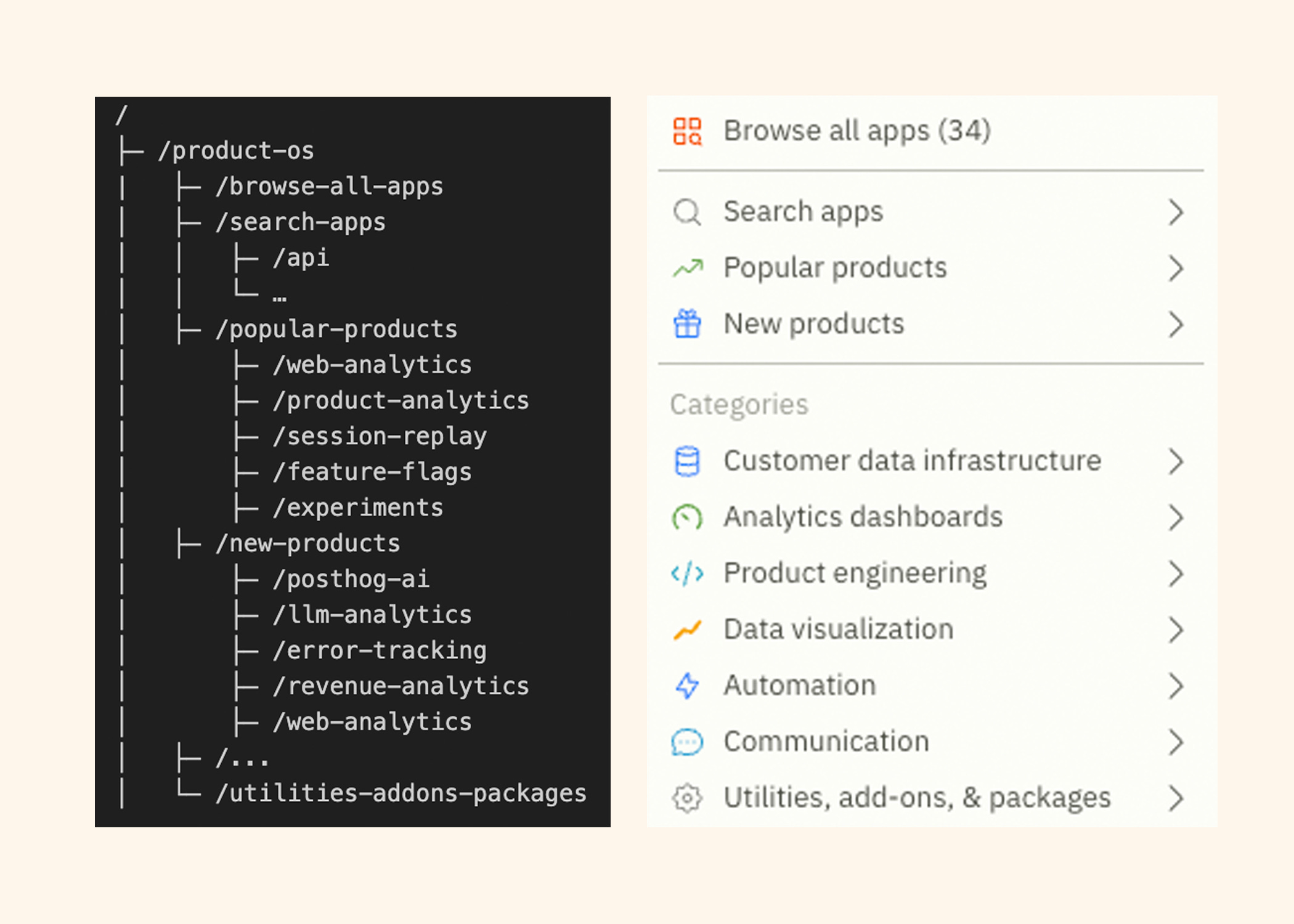
My dev GTM brain kicked in. There’s so much here you can use and so much shareholder value you can accidentally drive up.
Then my developer-marketer brain turned on. Wait a minute… this information architecture is actually brilliant.
First, you give your NICP (not-so-ideal-customer-profile, should trade-mark that) the option to browse all your products, because they don’t know what anything is yet.
Then, for the more aware (or already active) users, you give them search.
Then you guide them into the most popular products - the ones that probably drive most of your revenue.
After they’ve looked at those, you nudge them toward the new stuff (ka-ching).
And finally, you do a similar thing again, but this time you show your product lineup sorted by category.
Isn’t that perfect for every audience, no matter their maturity with your product?
You can also browse it like a Windows File Explorer for PostHog’s products, which honestly feels way too on-brand.
Okay, back to business.
In simple terms: think of every page and sub-page in Product OS (no matter how you got there) as a product page written in a mix of technical and non-technical language - something both you (the dev) and your boss (not necessarily a dev) can understand and get…sold (yeah, I said it - stage of the funnel, bleh.)
You’ll see an example in the next section. And to answer your next question: yes, the docs are tied to it too.
Web Analytics - the most popular product
Now we’re talking. Slidedeck energy. Shareholder value in the air.
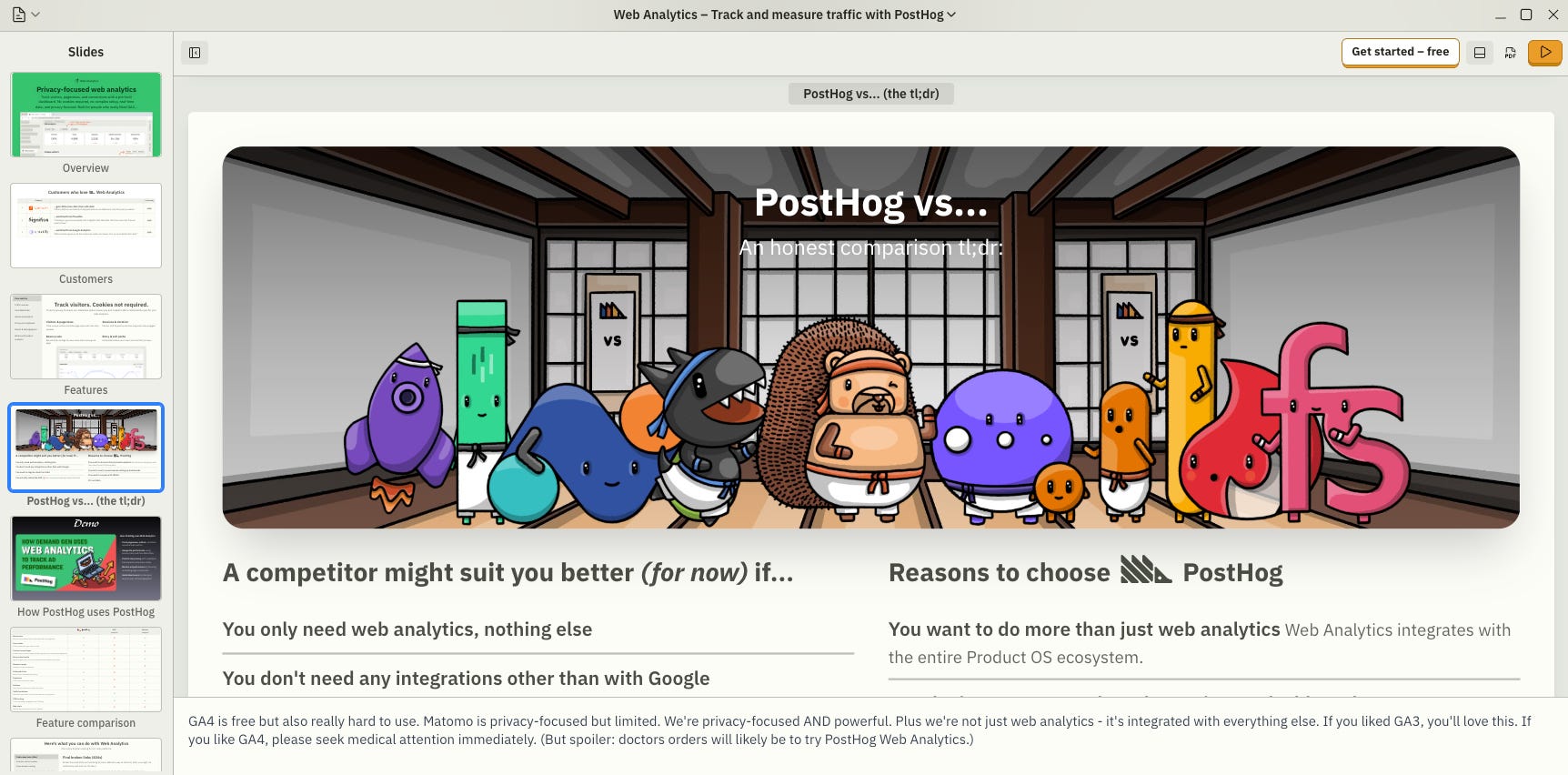
You know what my boss (he’s half-technical, half-not) is always looking for?
“Why this and not that?”
Feature comparison table? Just scroll down.
Case studies? He loves those and yes, you can download them right there too.
Transparent pricing so he can convince the ultimate money boss in the company?
Yep. Also down there.
Not enough? Dude… click the little PDF icon in the upper-right corner and grab yourself a good ol’ slide deck.
You covered? Great. What’s next?
(Oh and don’t forget to check the comments on each slide. Pure gold)
Demos? There you go. Video-style. Perfect. Don’t forget about that cool-lookin font for the slide title!
Any product use-cases out there? Look no further!
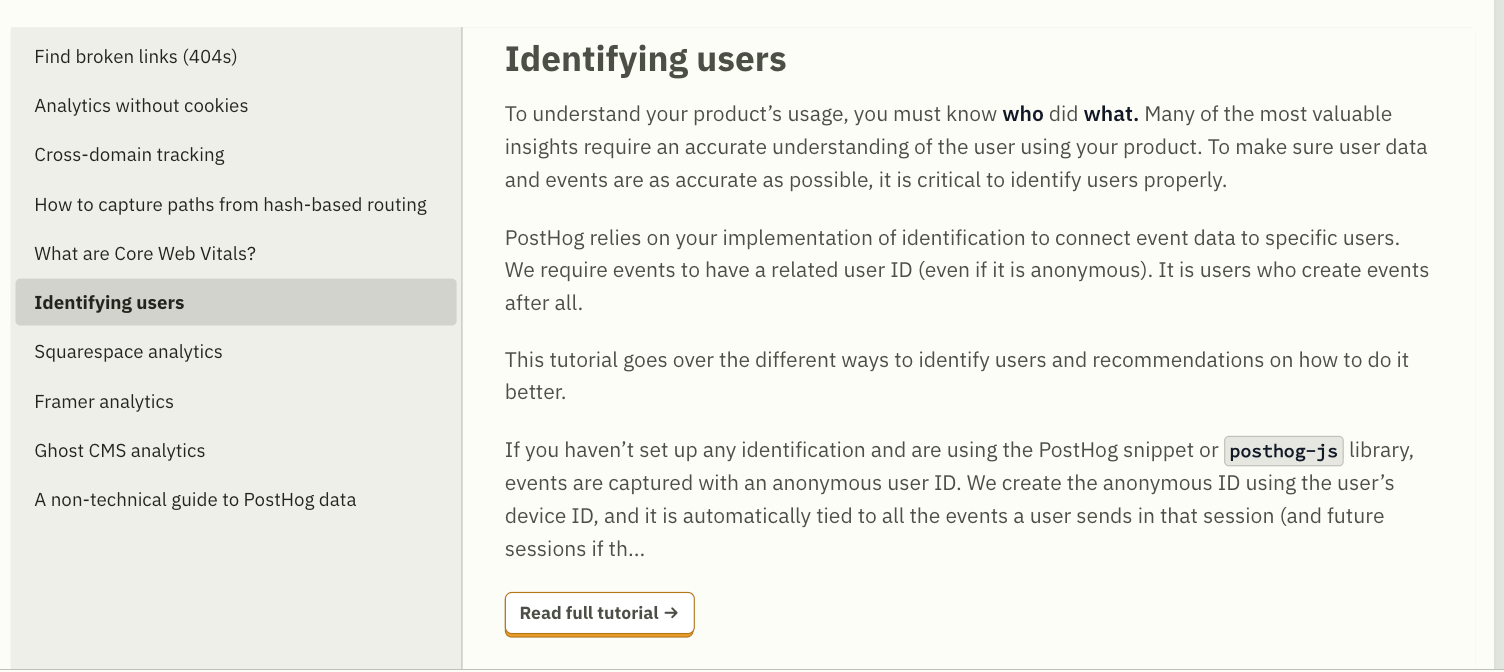
Appetite comes with eating. Now you’ve got something for your boss and something for yourself - a tech tutorial to implement whatever your boss just decided you’re doing. Two birds, one stone.
But that’s not all. Scroll down and you’ll get all the docs you need.
(Yes, they’re clickable. Yes, they actually remembered to add the links)
You’re almost there. And no, your situation isn’t unique. Don’t even try to convince yourself. You’ll probably need other products from them too.
Which leads us to the next section of the slidedeck:
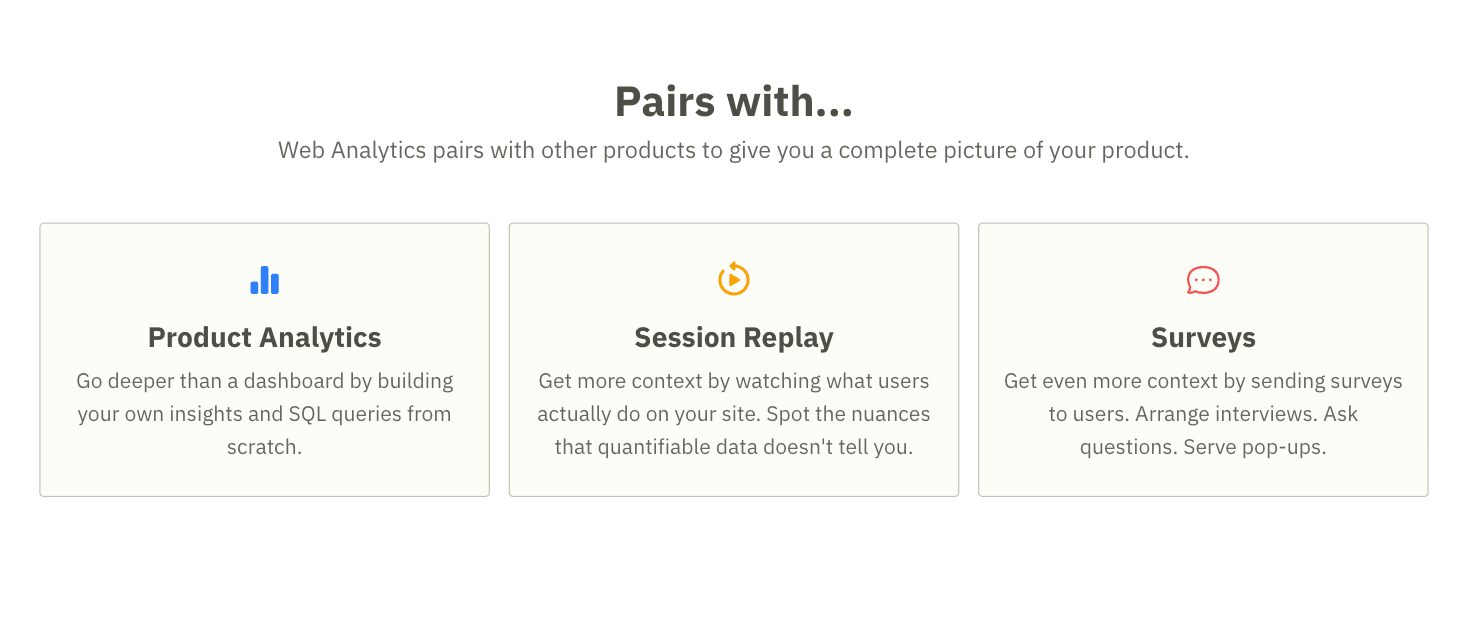
Bingo!
They even have paint.js in there (is there such a thing?!).Get creative - why not?
And there’s a command line too.
Looking for help? Reach out to them - I’m sure they’ve got you covered (not sure about taste though… check the disclaimer at the bottom of the deck)
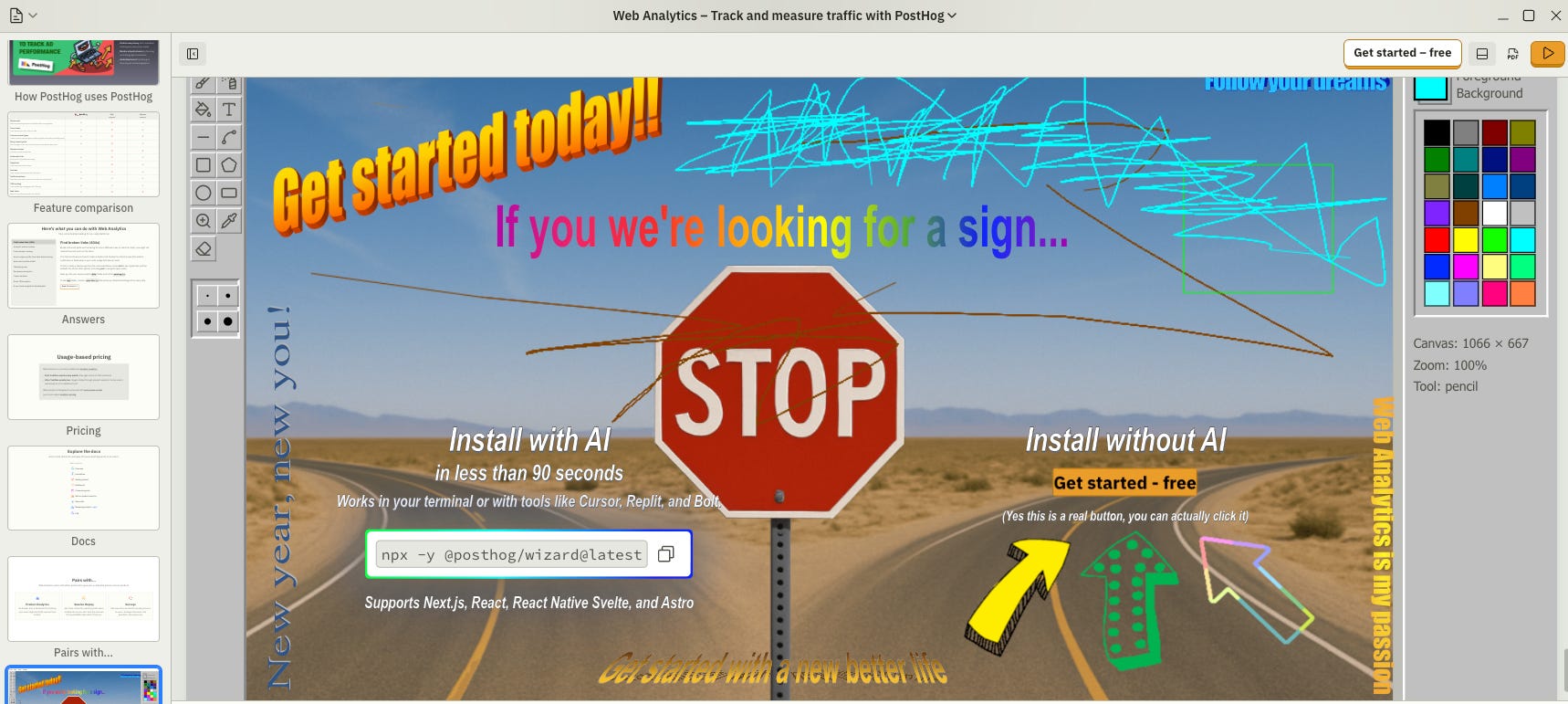
Now you probably want to explore more, so go ahead and bookmark this one.
I’m not telling you yet where you’ll find your bookmarks later…but I will. Down the road.
How about the rest of the product pages - ehem, slidedecks?
What
Customer stories from those who love the specific product
Product features characteristics
Demos
FAQs
Pricing
PostHog vs (feature comparisons)
Docs
Integrations (with other PostHog products or external ones)
Paint.js embedded into the slidedeck
Same structure. Across the board. Every product.
Look at you, already mastering the navigation.
Did the social media oracles warn you it wouldn’t be this simple? Oops.
Just dive into the features you care about - or click literally everything like I do, lol.
Pricing
Let’s talk some business.
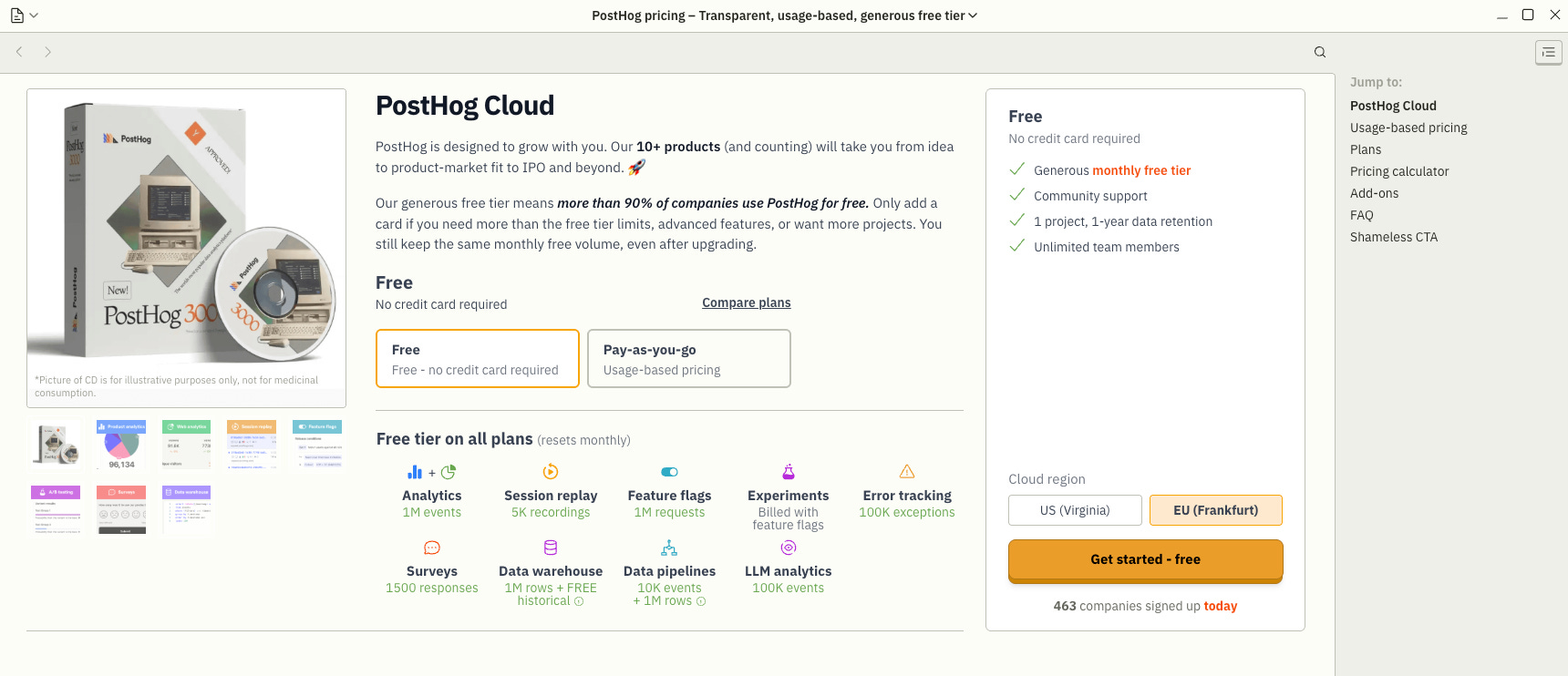
We start with the free tier. Dev-approved, universally loved, obviously.
Scroll down and you immediately get the two essentials: usage-based pricing and a pricing calculator (something for your dollar-approving final boss).
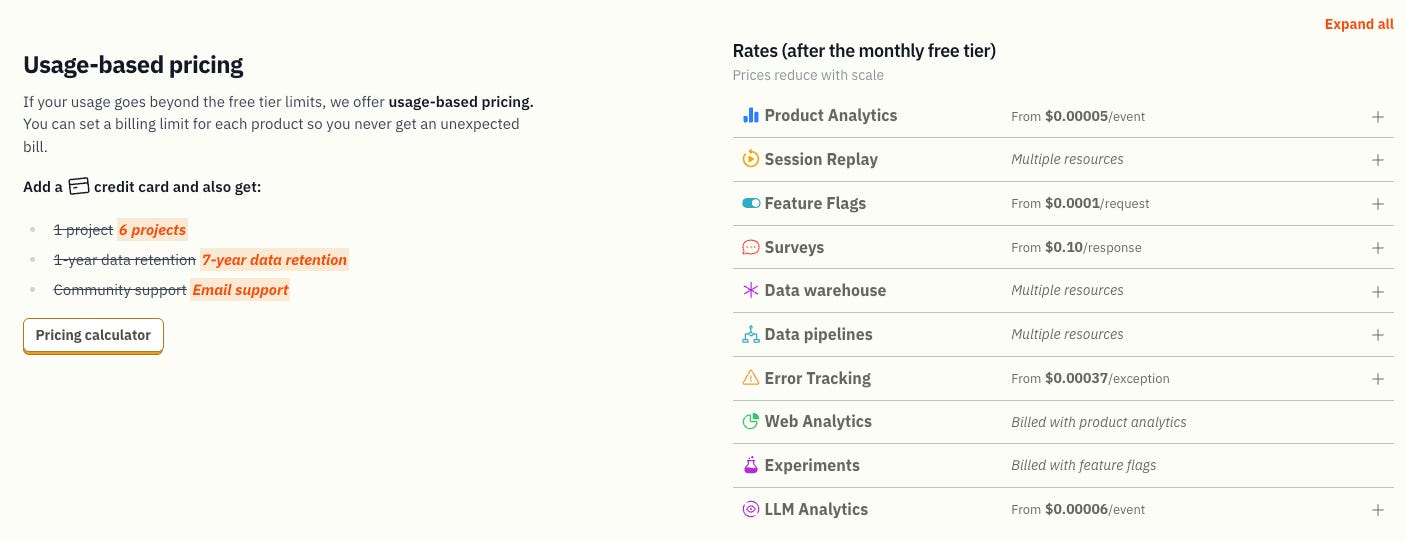
But dude… this is wild. You have to see this.
I maxed out their pricing, cranked every slider to the max, and found the final price.
Dude… something’s missing. WHERE is the “Contact Sales” button?!
And then the last bit: a feature comparison with everyone else.
Why is that in pricing? I have no idea, but I respect the chaos (sometimes).
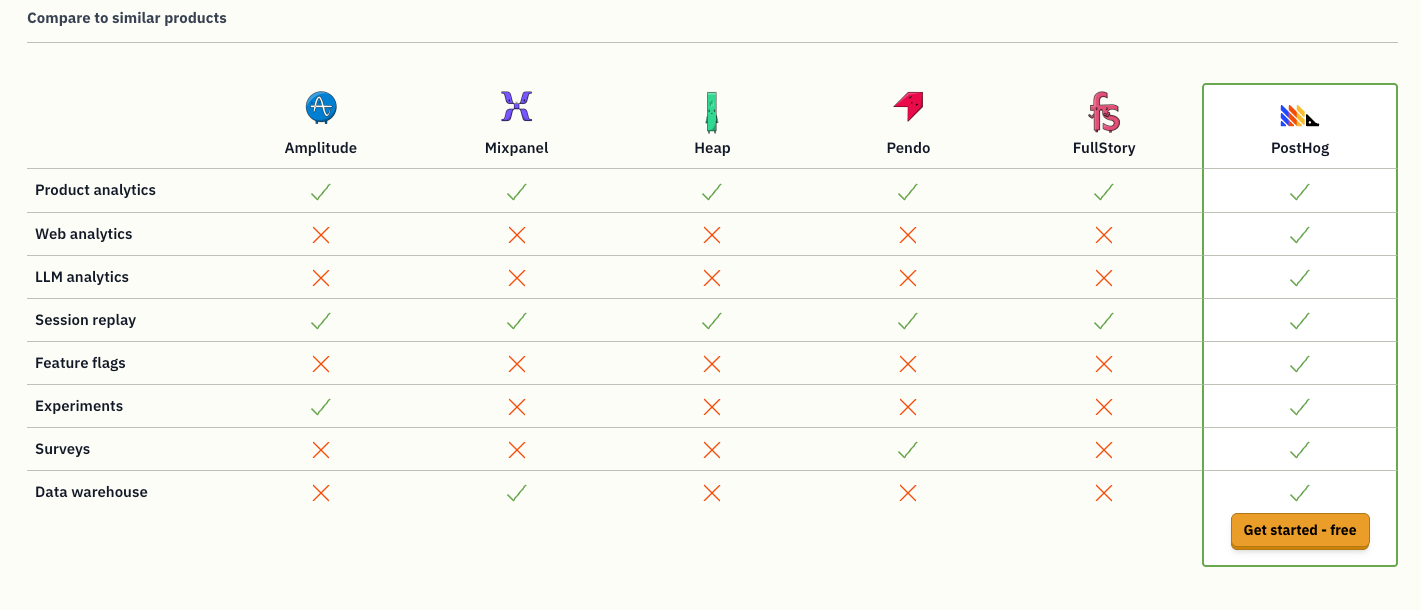
Yeah, there are addons too. I’m not covering them. Go explore. Next!
Basically they’re doing tech sales, devrel, advocacy for PostHog-as-an-all-in-one-platform - for startup founders - using product pages, docs, the blog, the startup program, and yes, even the merch store. All crammed into one step-by-step journey page.
Nothing more, nothing less. PostHog’s Startup Program. The essentials are right underneath.
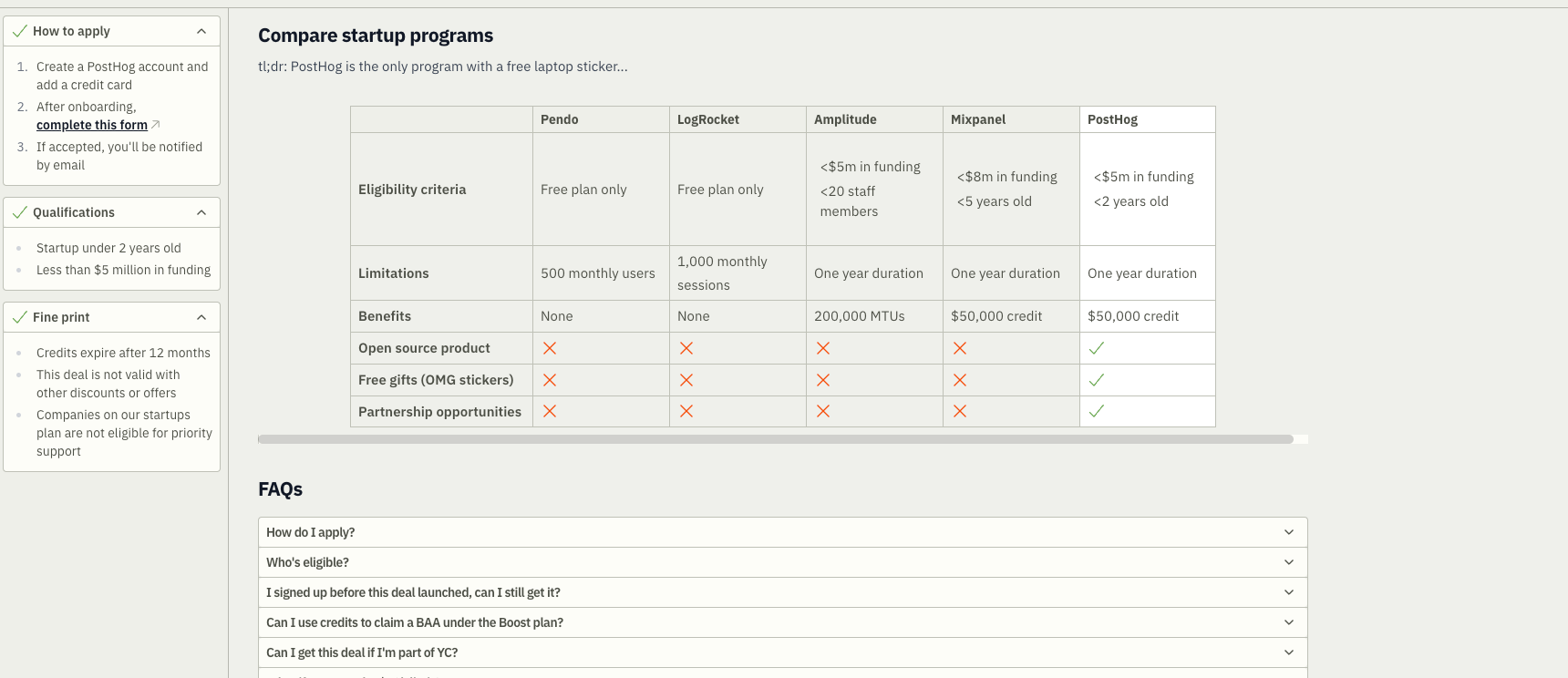
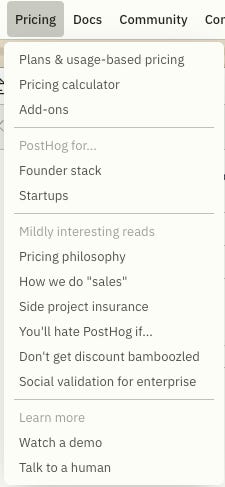
What’s next? Pricing philosophy, How we do “sales”, side project insurance, You’ll hate PostHog if... I covered all of those somewhere up there or below (not sure at this point). There are four more in here but Watch a demo and Talk to a human already got covered as well. So let’s focus on the final final two (yes you read that right final twice, like your finalfinal.pdf).
Every product out there has an artificially inflated price. It’s all part of the dance - you haggle, they pretend to be generous, everybody wins.
Does PostHog play that game?
Bro.
No.
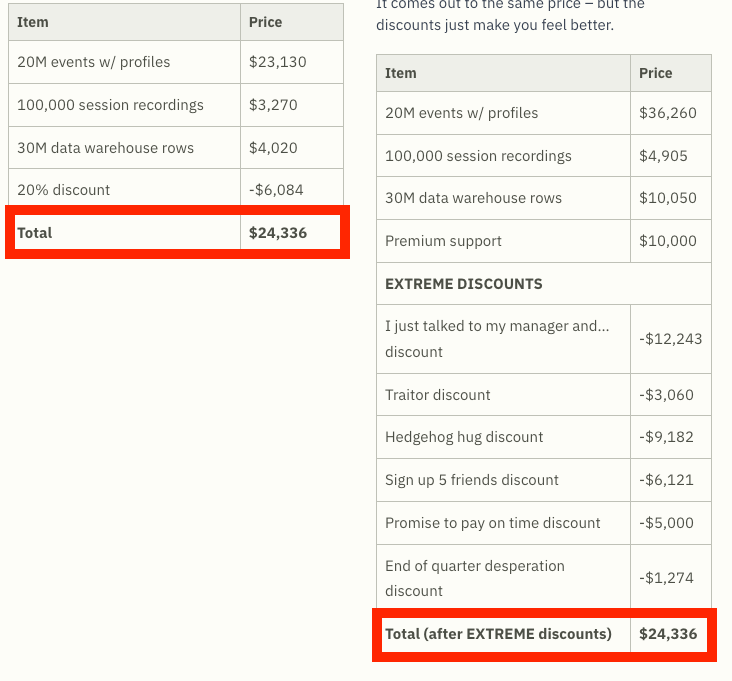
They went full Extreme Discounts™ instead. Watch this. I’m sold.
What’s best, though? Here’s what you actually get discounts for:
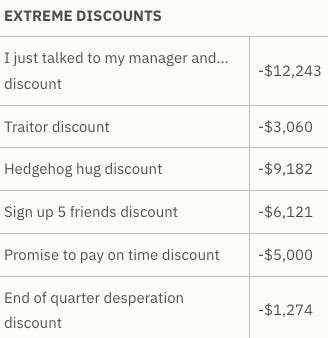
Dude, their sales folks are absolute brainiacs. Call your Chief Sales Officer and tell them to hire these people - they’ve clearly got more jokers up their sleeves.
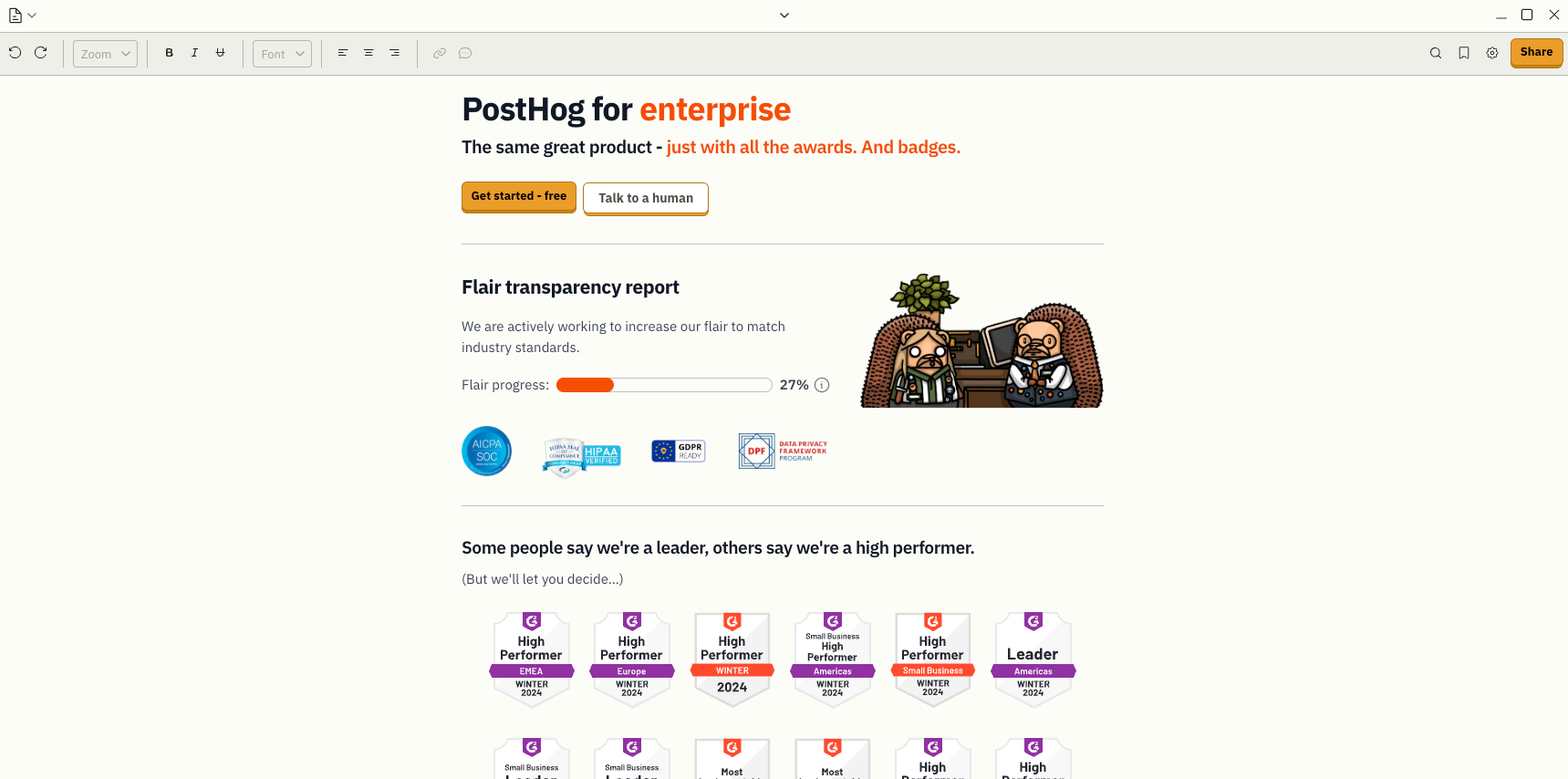
Man, I’m really not into those shiny enterprise’y certificates and badges.
You’ll need another human to explain what any of it actually means.
Docs
You can search them in multiple ways (PostHog AI, the search bar, etc.). But at the highest level of their info architecture, the starting point is either this or that:
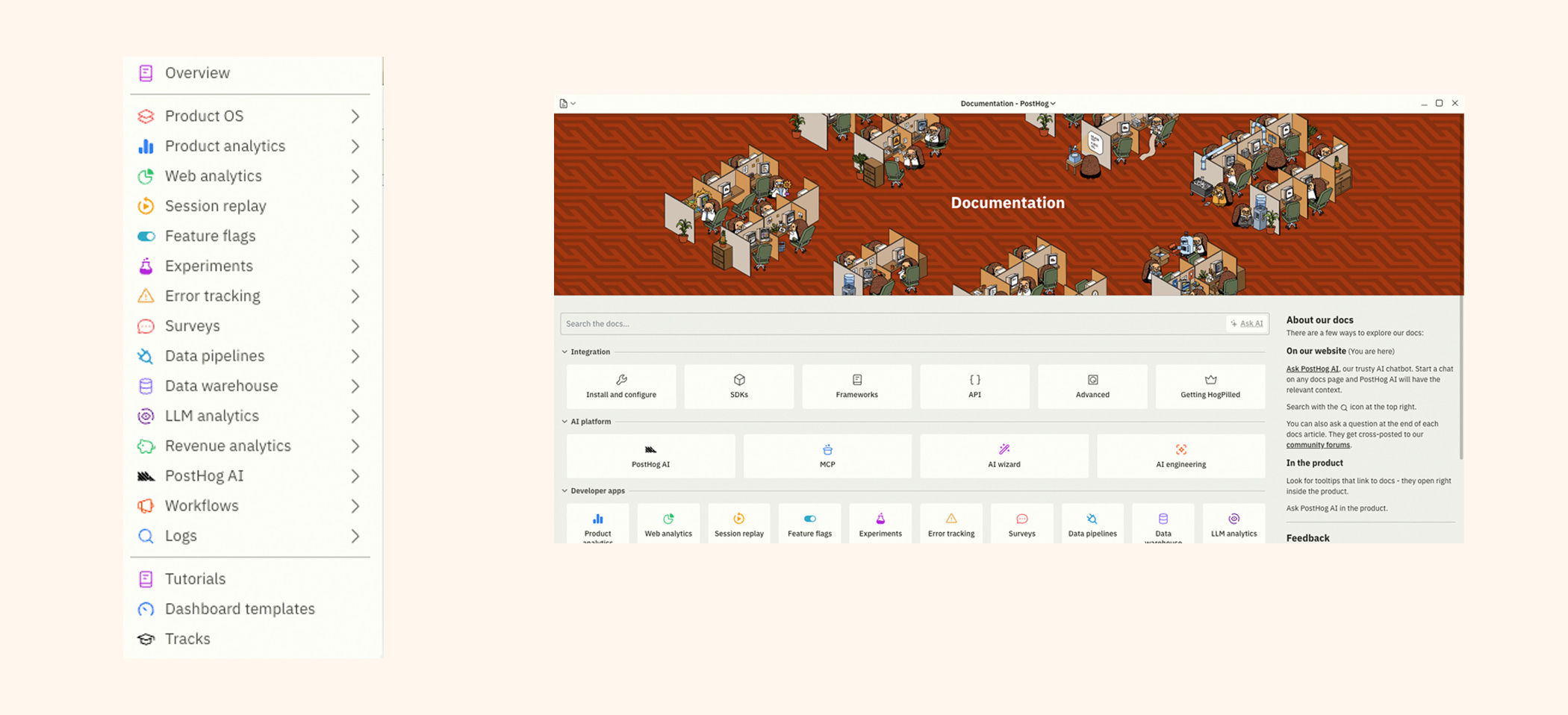
So yeah - pick whatever works for you.
By the time you open the docs, you more or less know what you’re after anyway. And once you’re in the product section you wanted, you get this neat, super navigable doc with stuff like:
Features of the product you’re looking into
Getting started instructions
Code snippets in different languages (for some of the their products you would also have SDKs, support for different frameworks or even API references)
Best practices & troubleshooting
Tutorials, guides, FAQs
Integrations info
Glossaries of concepts and terms
etc.
Looks like you’ve got everything you need in one place. And look! You can even set a bazillion James Hawkinses as your background image (that’s what you came here for, right?! )
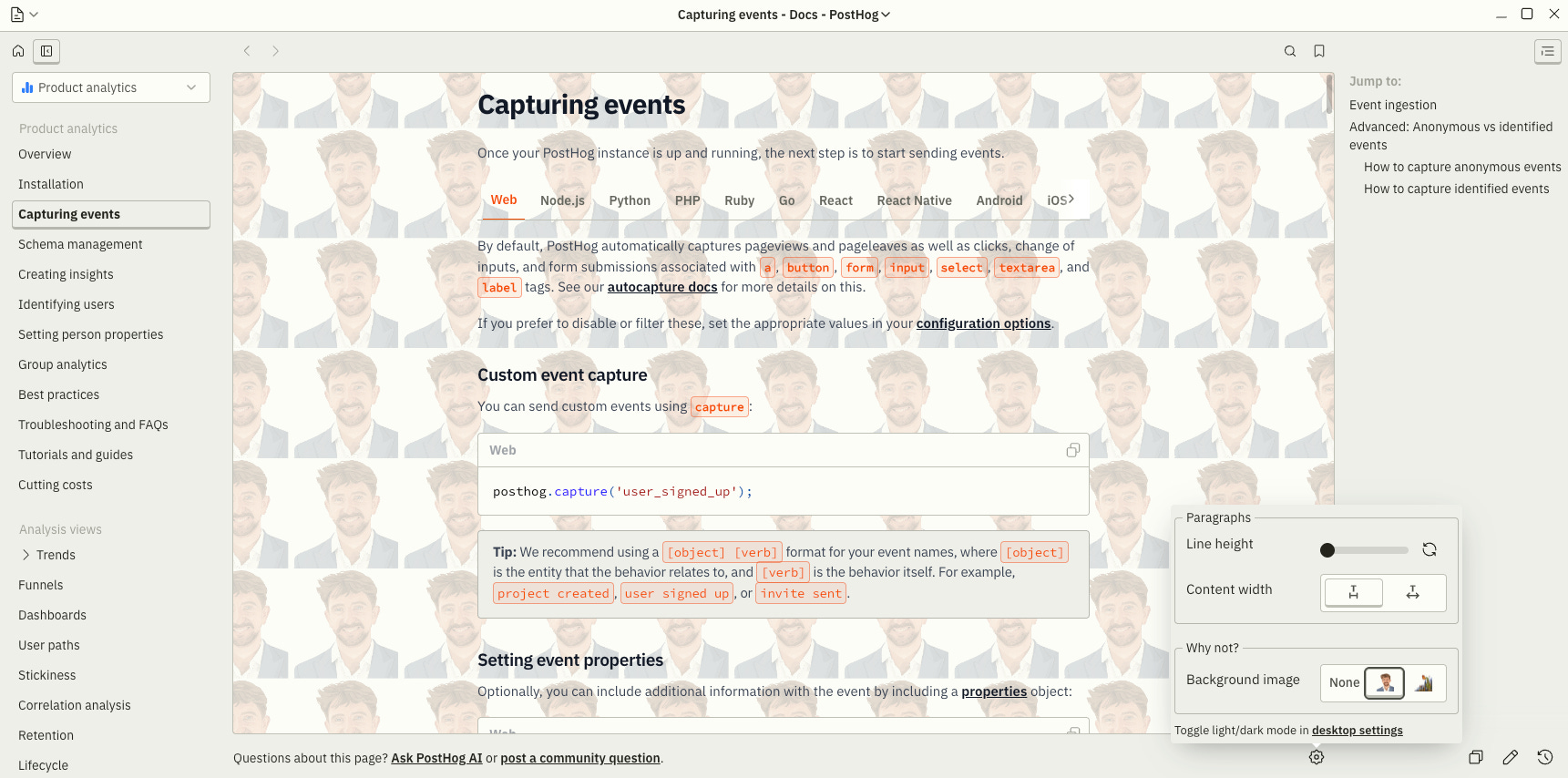
And you can do all of this without even leaving the current window (usually).
Just use the upper-left corner to jump between product docs and then teleport yourself back to wherever you were before the inevitable docs rabbit hole sucked you in.
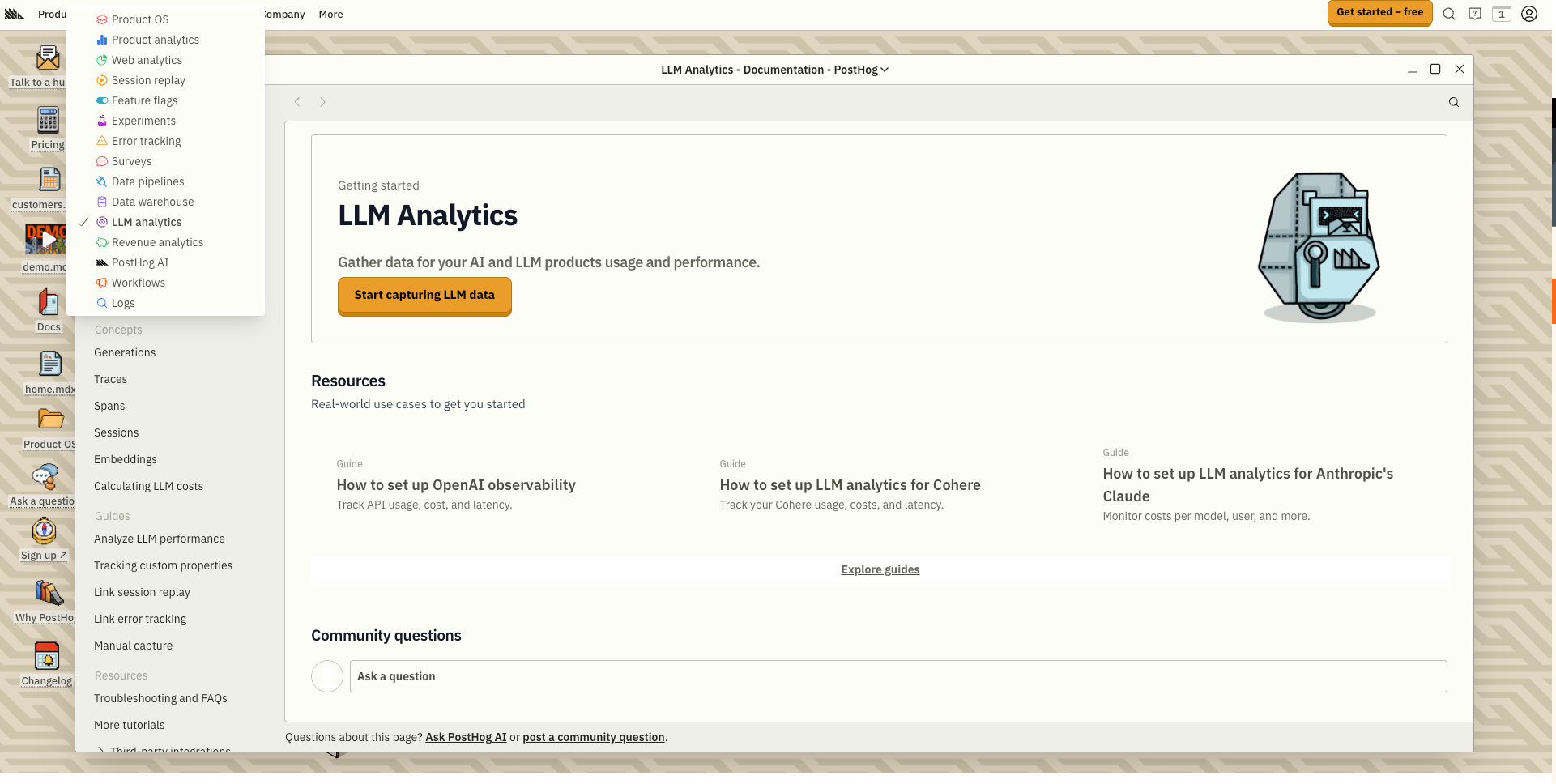
What else lives in the docs tab?
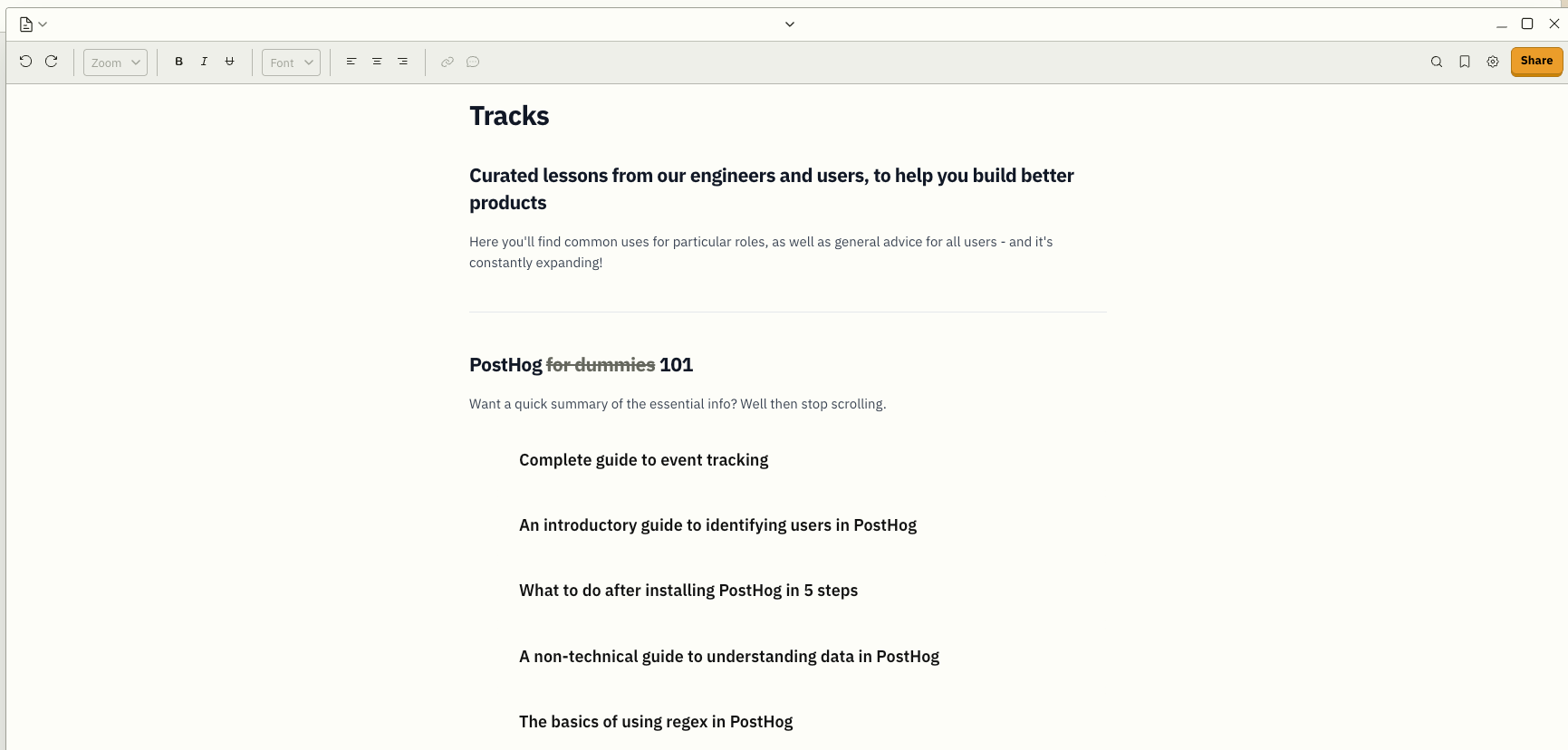
More tutorials (for when the product docs didn’t quite hit). Dashboard templates so you or your boss don’t have to rebuild dashboards from the Stone Age. And Tracks, which is basically PostHog Academy… kind of. Early days.
Community
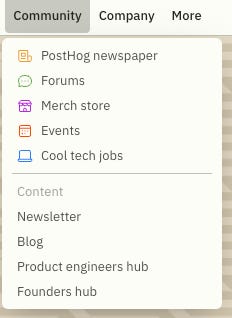
There are a few interesting things here. Let’s dive in.
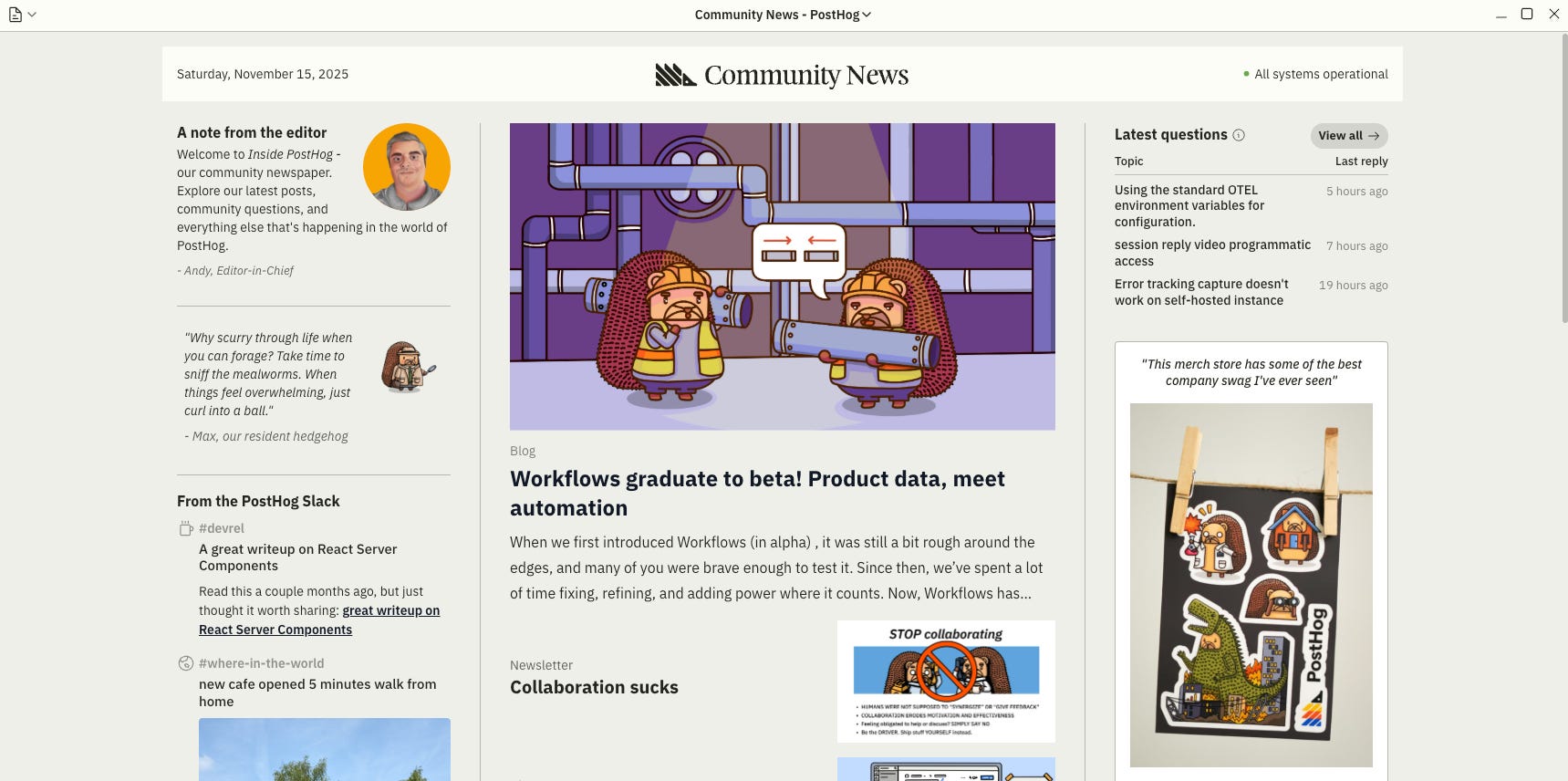
All the inside + outside news from PostHog: anniversaries, feature requests, changelog updates, blog posts, Slack lore, forum questions. Neat. Is there a media-company editor hiding behind this? Hmm..
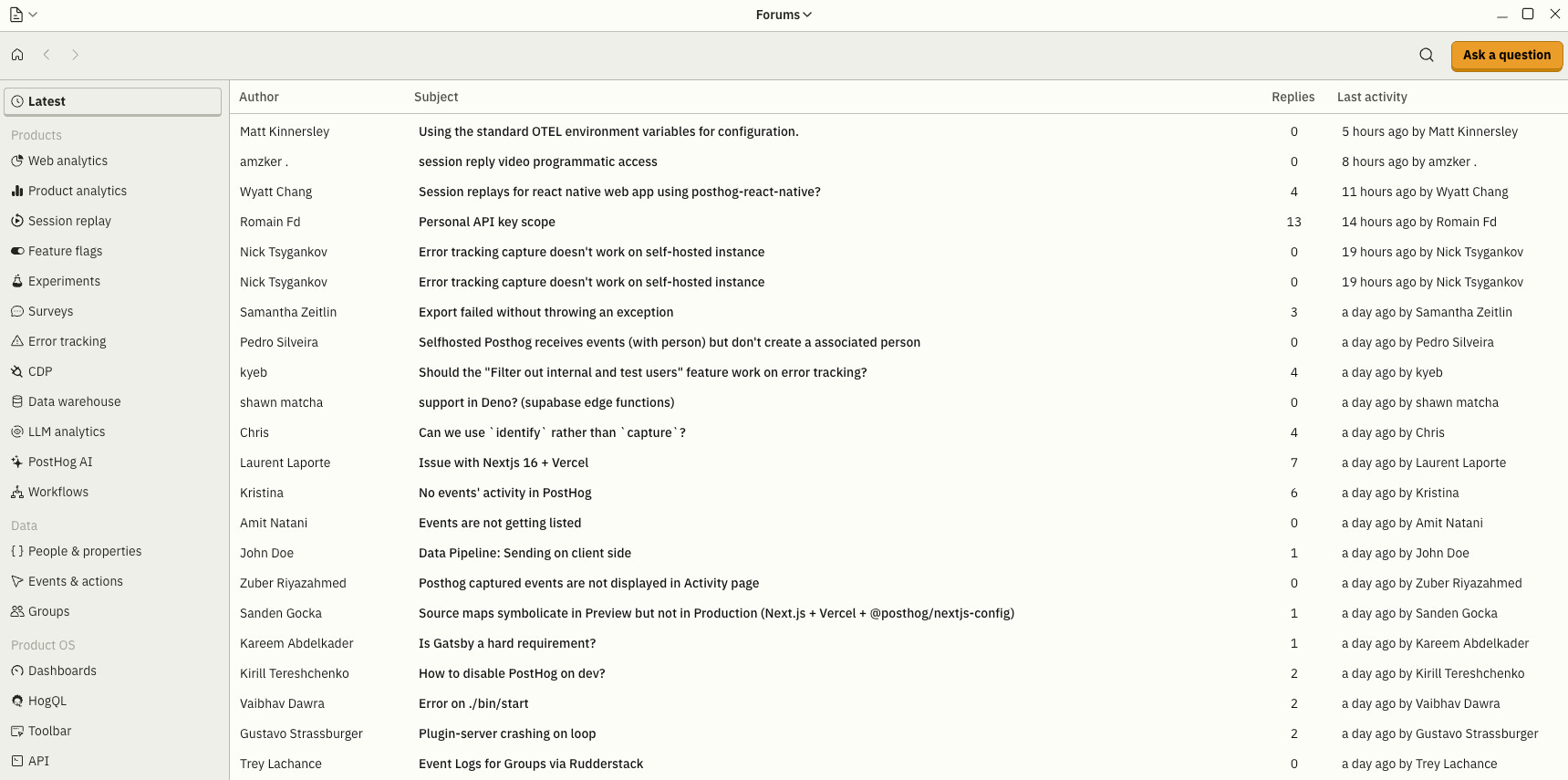
PostHog’s Q&A forum - developer success incarnate. You show up here when you’ve got a problem with their stack (or when you panic-google). Use the categories on the left. Thank me later.
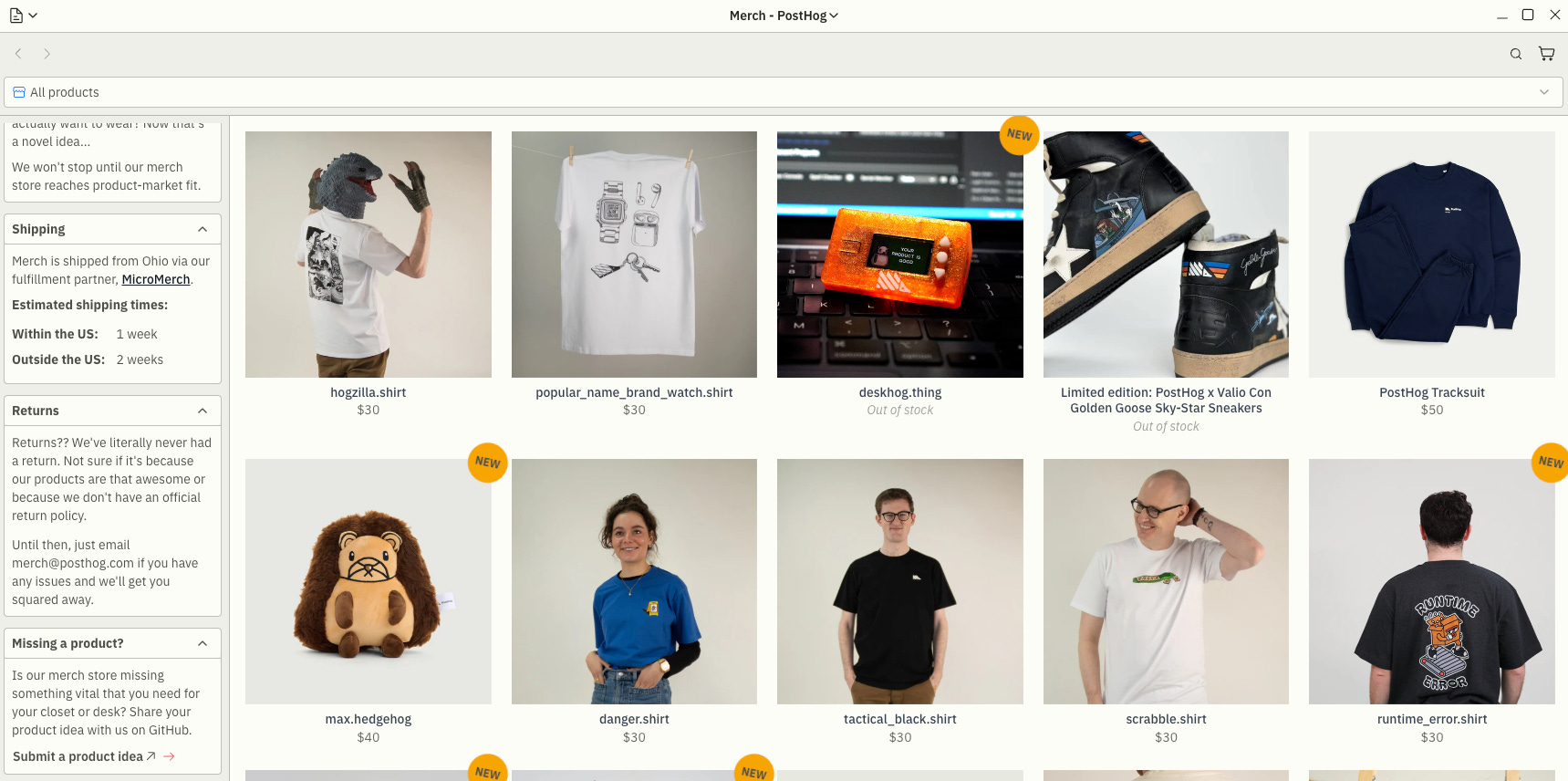
If you’ve read all this and still don’t want one of these bad boys, you’re joking.
Got ideas? No worries, bro - toss an issue on GitHub like a civilized dev. Voila.
Also, my personal favorites: data_funnel.thing, lawnmower.thing, codebase.txt, PostHog duct tape.
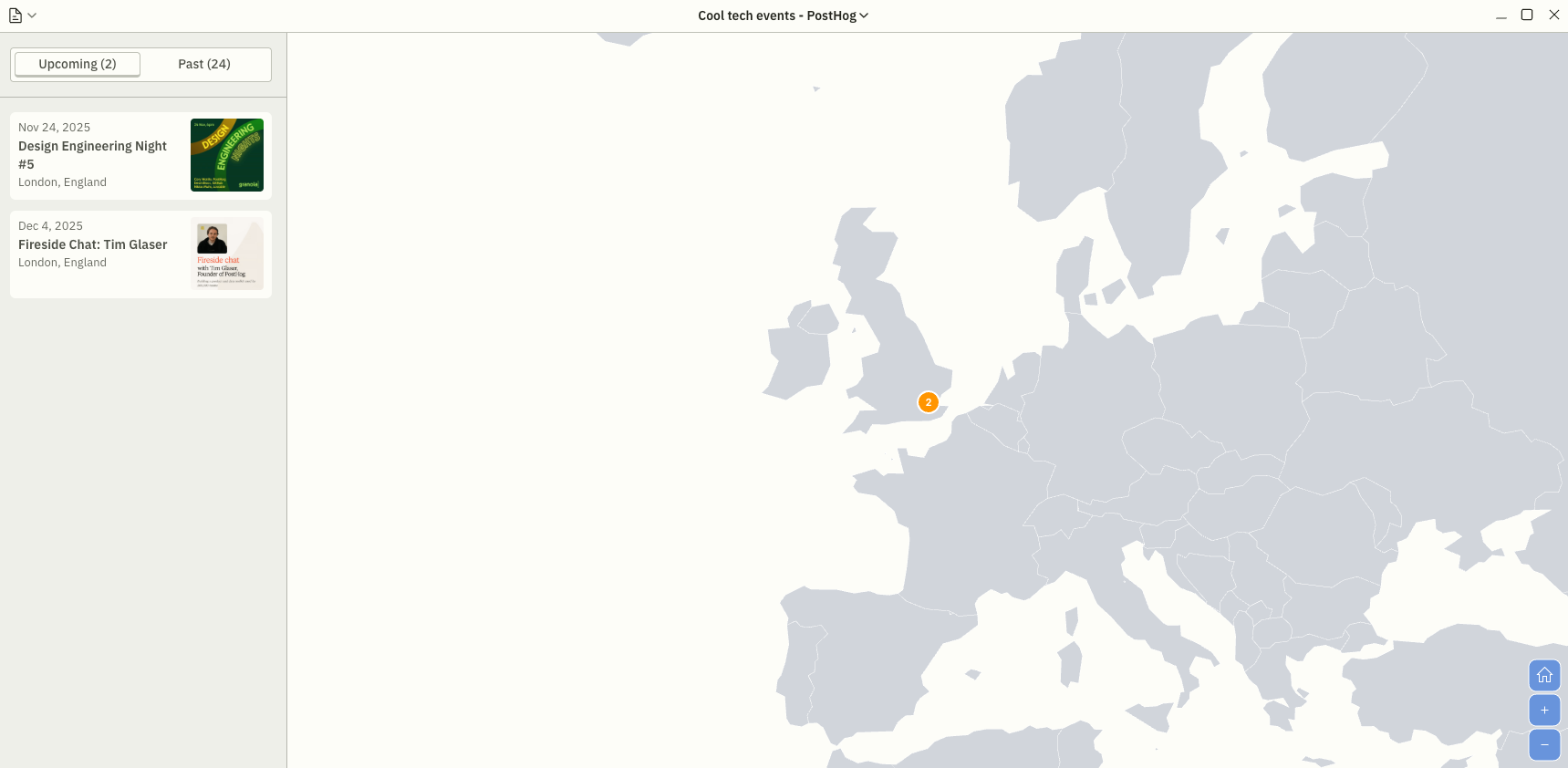
A map of worldwide events where you can chat with the PostHog team (I think. Probably. Maybe.)
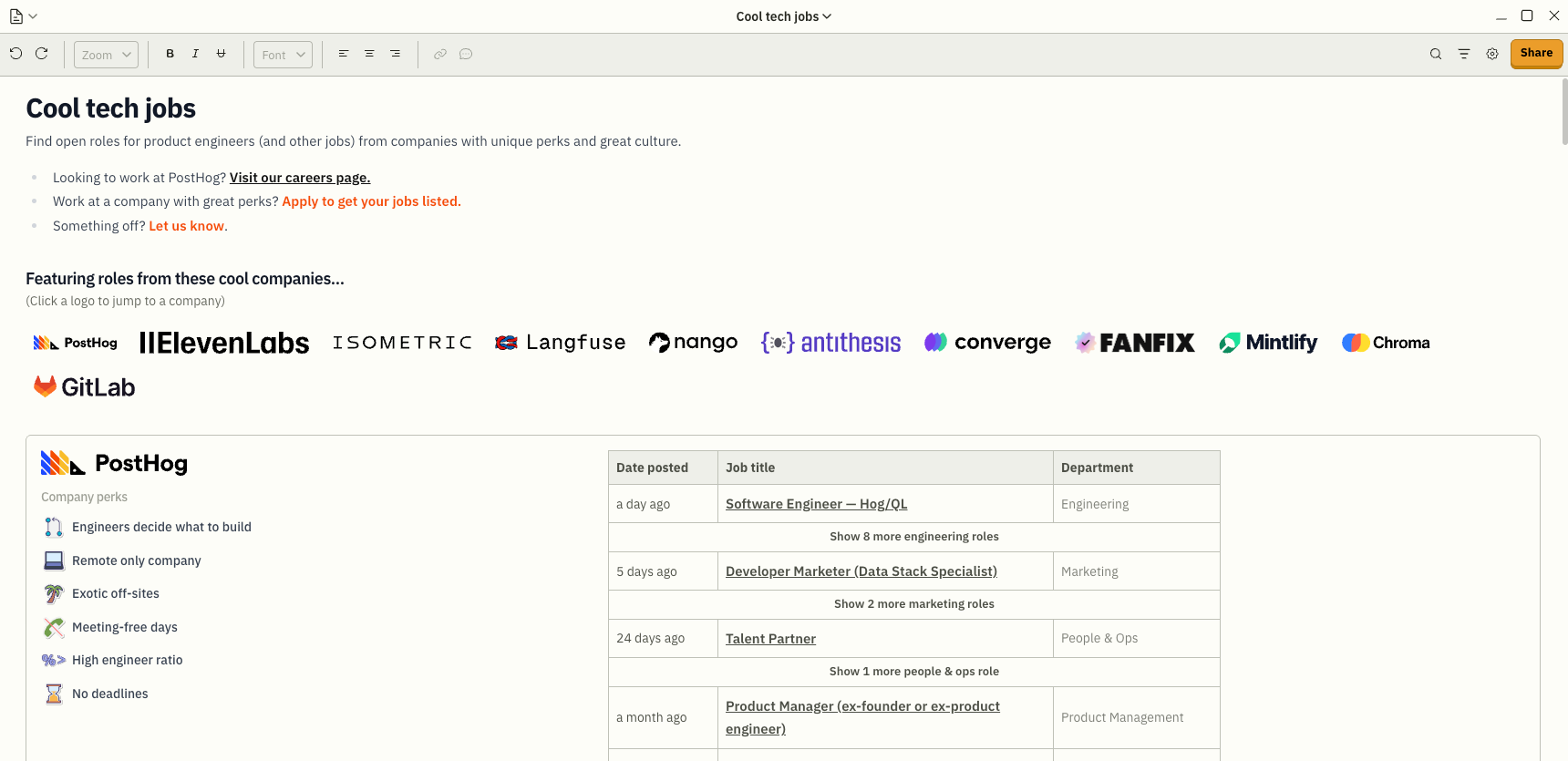
Thinking about working for a cool company (maybe PostHog)? This is the ultimate job board. LinkedIn Pro can’t compete.
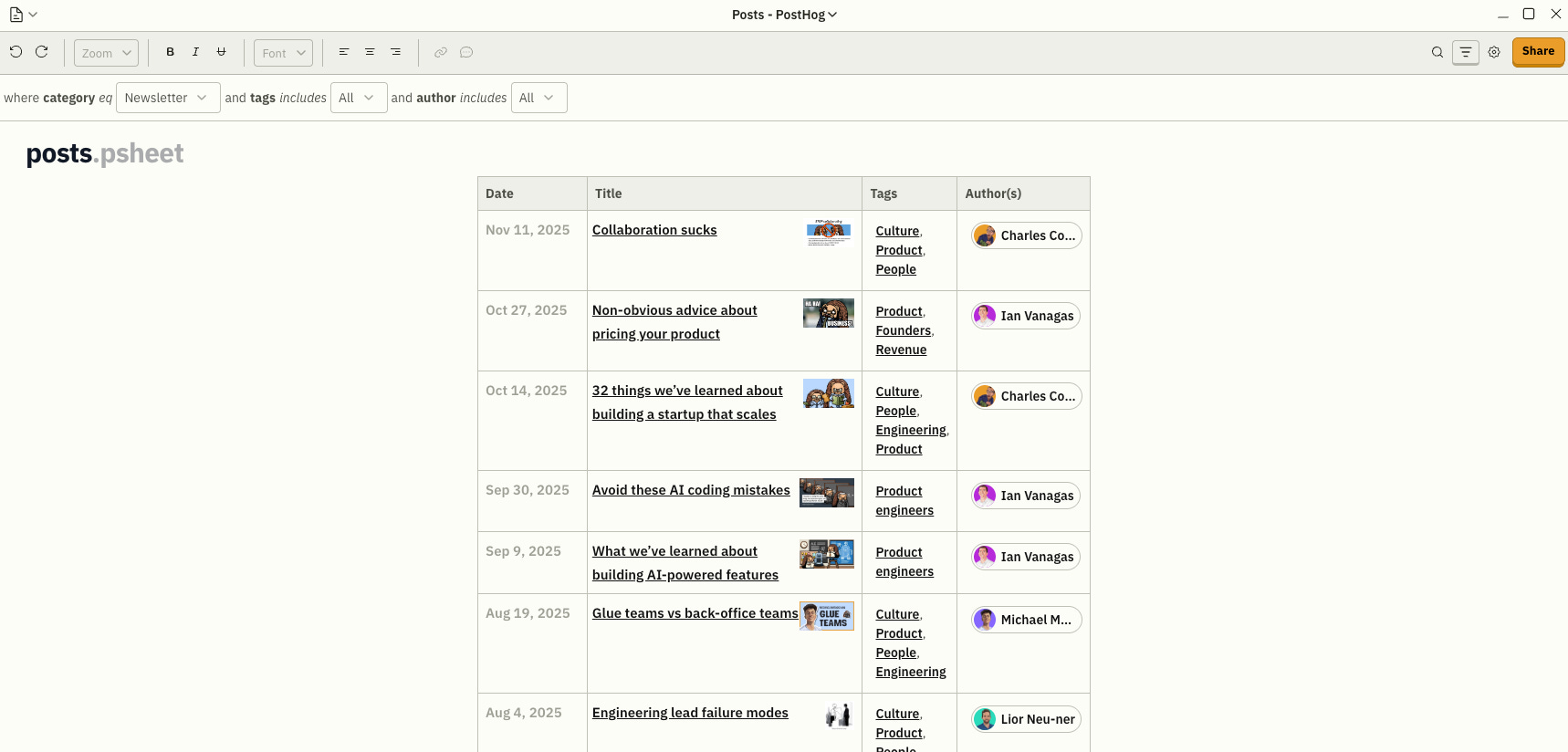
What are you even doing here if you’re not subscribed yet?!
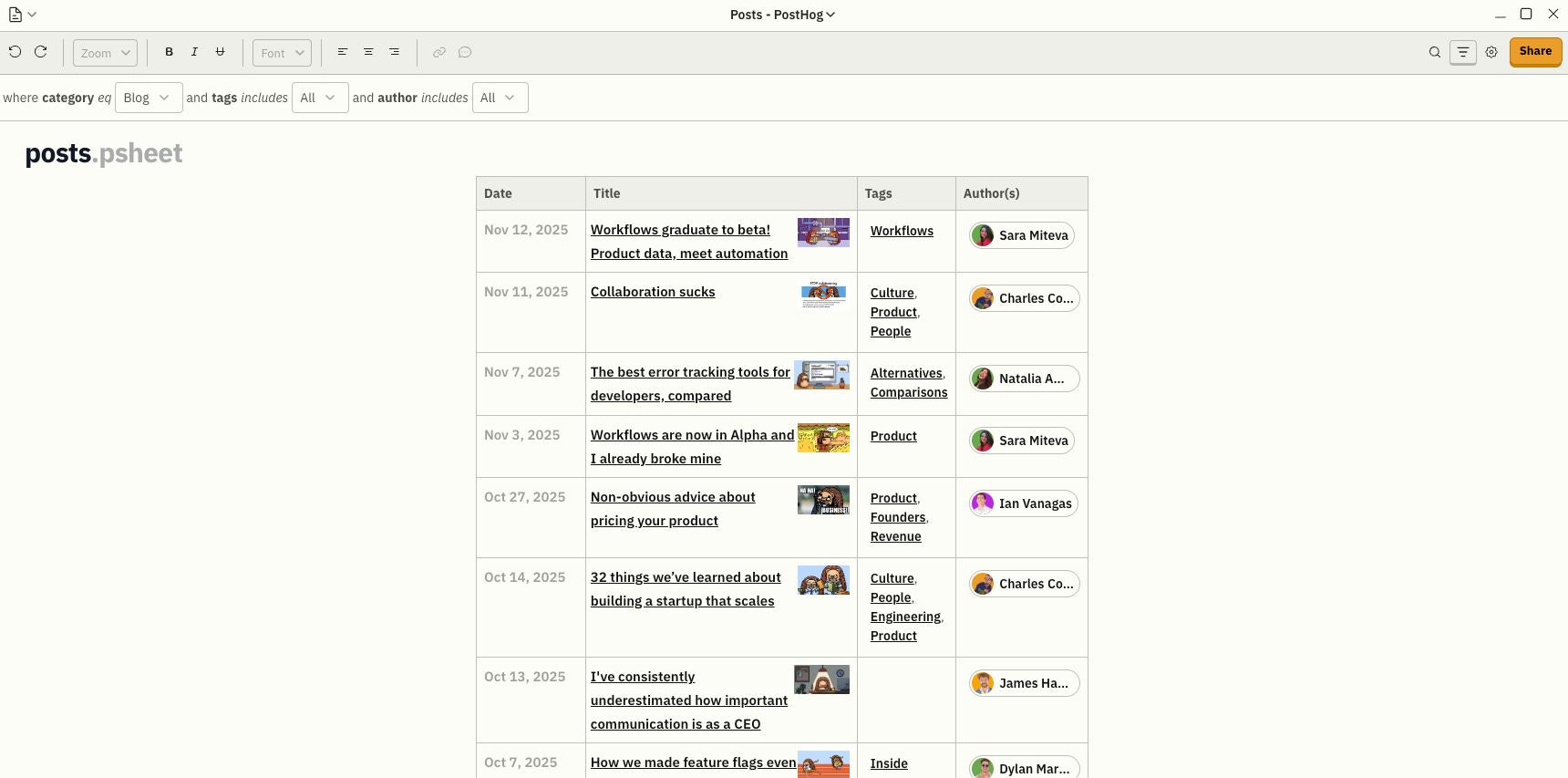
I know, I know. There was the newsletter, then the newspaper, and now there’s the blog. I’m too dumb for this. You figure it out yourself, okay?
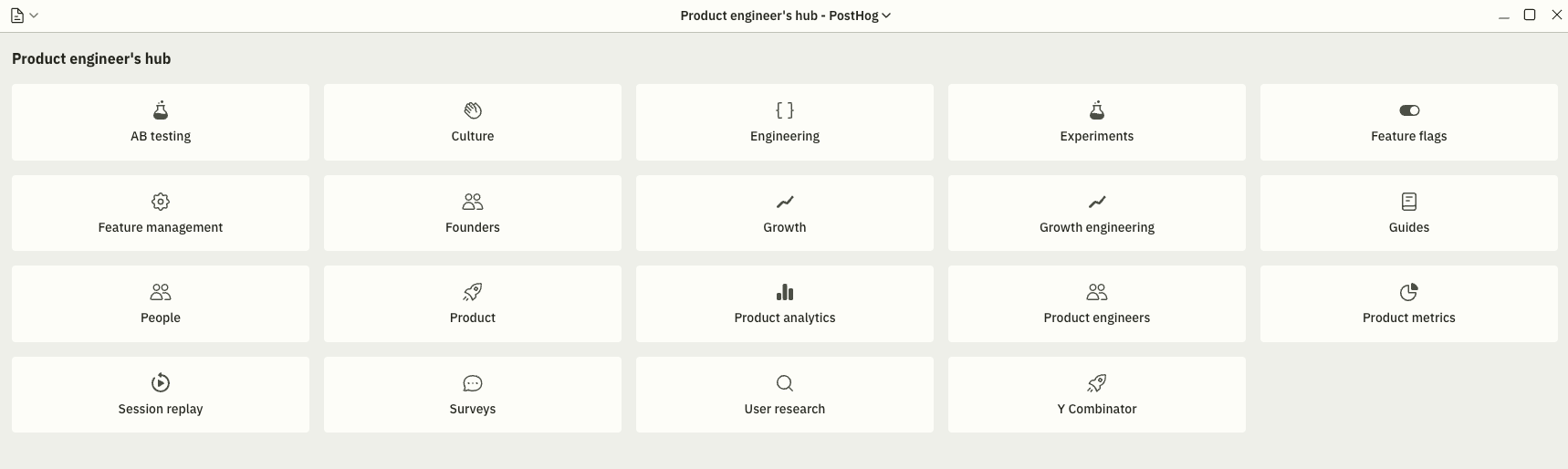
Lessons learned and publicly dropped by PostHog’s product engineers? Yes, please.
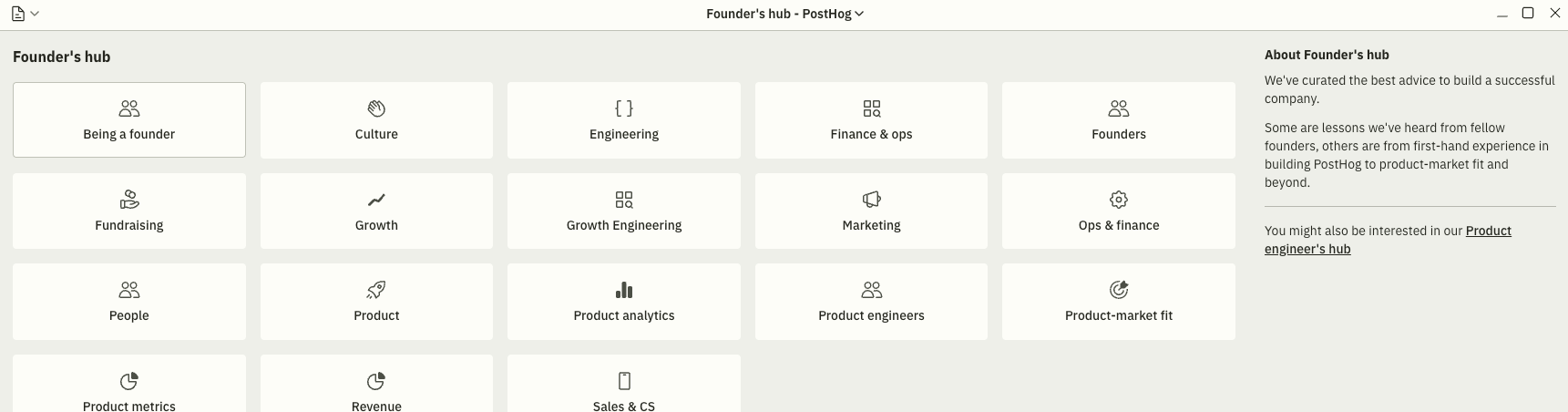
It’s on the right side of the screenshot. You’ll figure it out.
Company
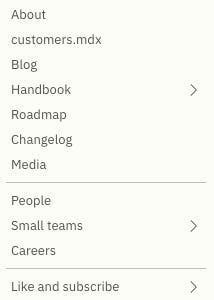
Hmm, looks promising. Let’s dive into it.
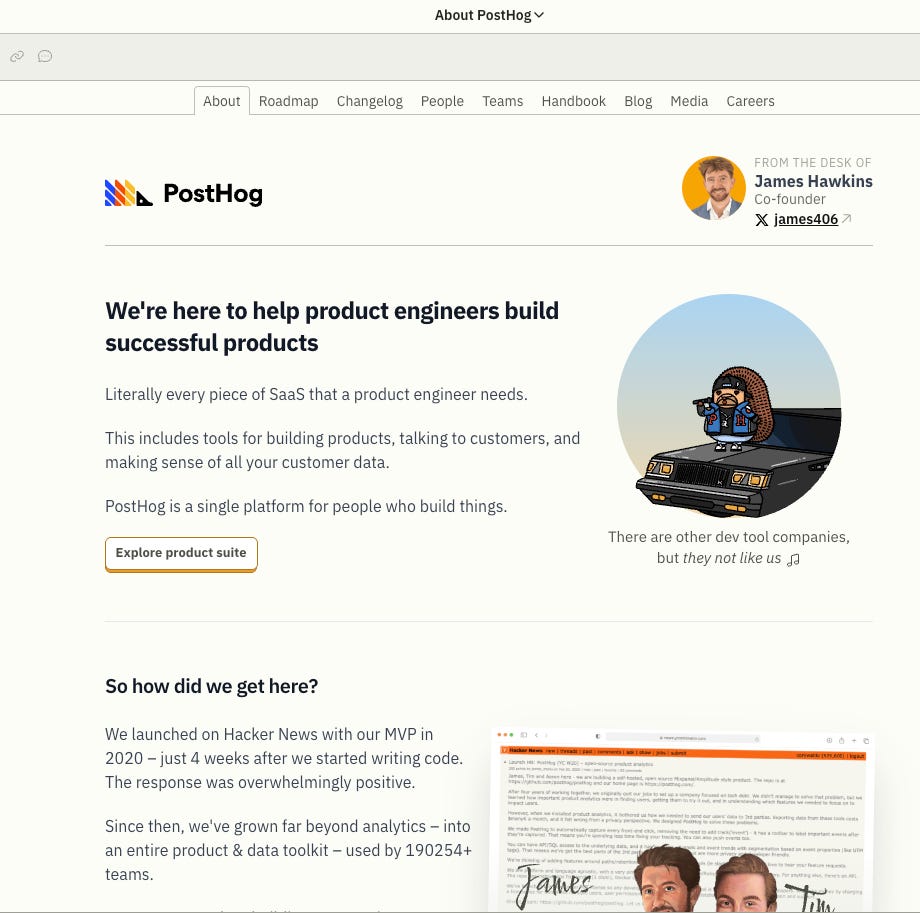
About is… well, about right. You get the jazz. Now, what are the things you absolutely can’t miss?
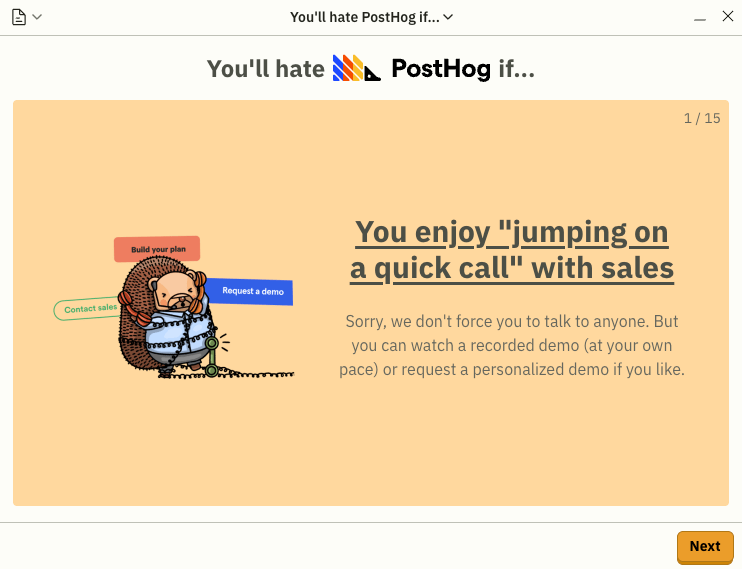
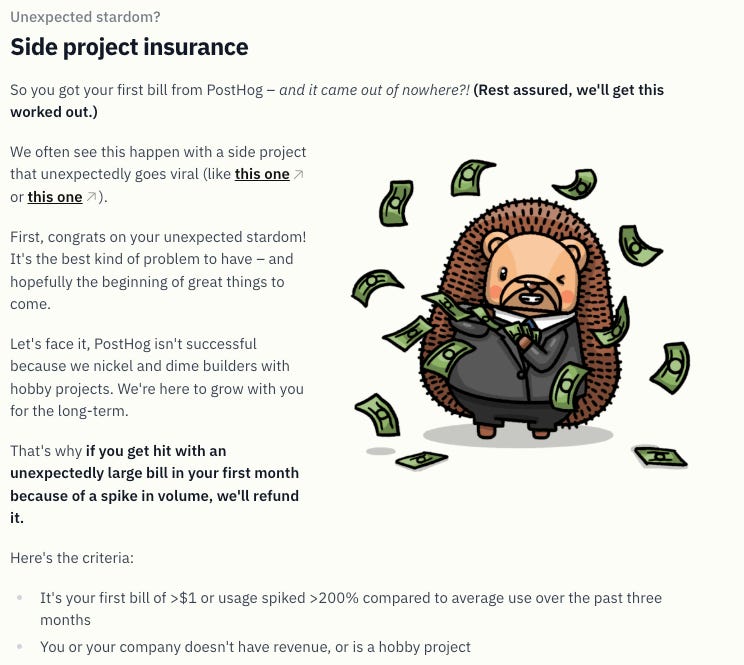
If I had to summarize this page: transparency everywhere. Product, business, people.
Alright, next!
A list of customers with potential case studies, notes, and the PostHog product(s) they use. If your boss loves comparing “how other companies do it,” send him this way.
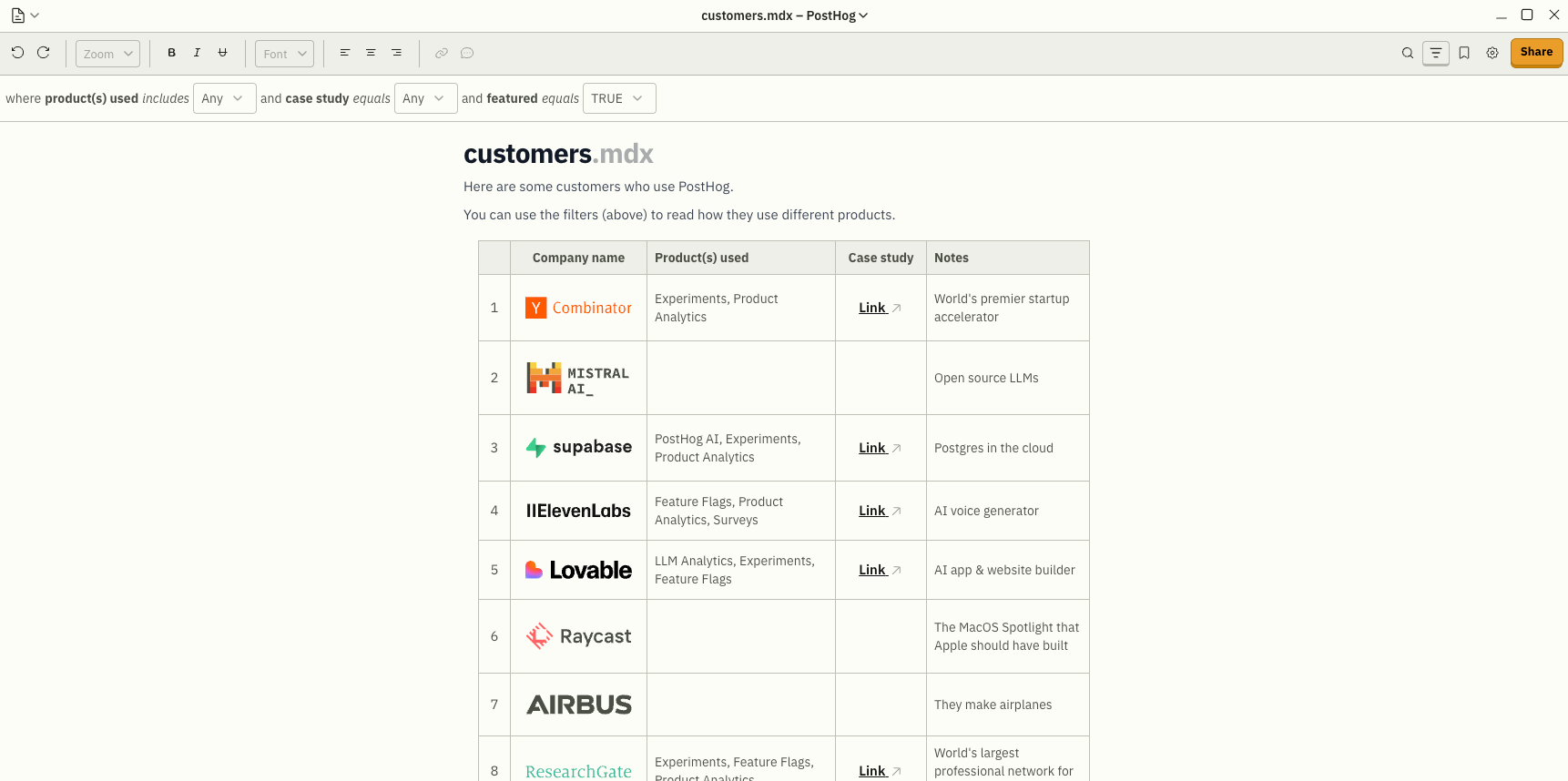
We’ve already talked about that.
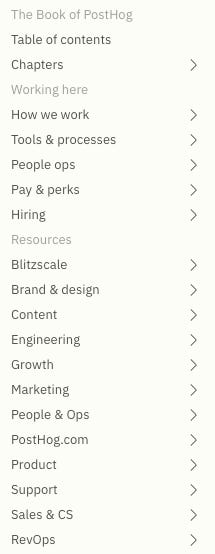
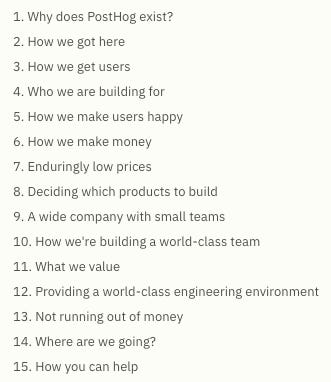
It’s basically the public backstage pass to how PostHog works - people, team, processes, religion, all that jazz. If you’re only going to read one thing, pick The Book of PostHog.
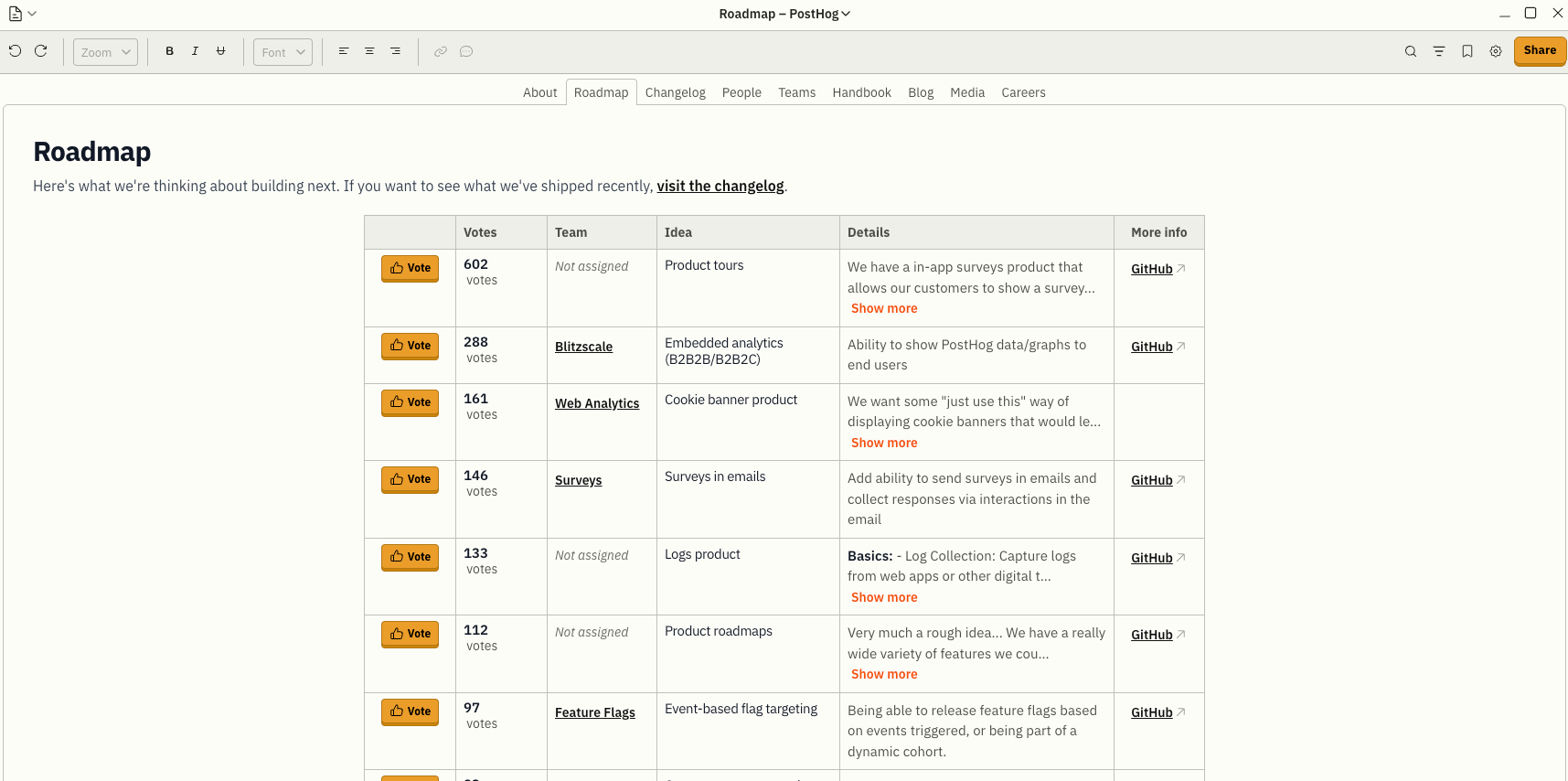
Easy. It’s what they’re gonna build next - straight from public pull requests + votes.
Honestly… fair enough.
The key thing here: PostHog doesn’t ship monthly or on a light-year schedule.
They ship in small, fast chunks.
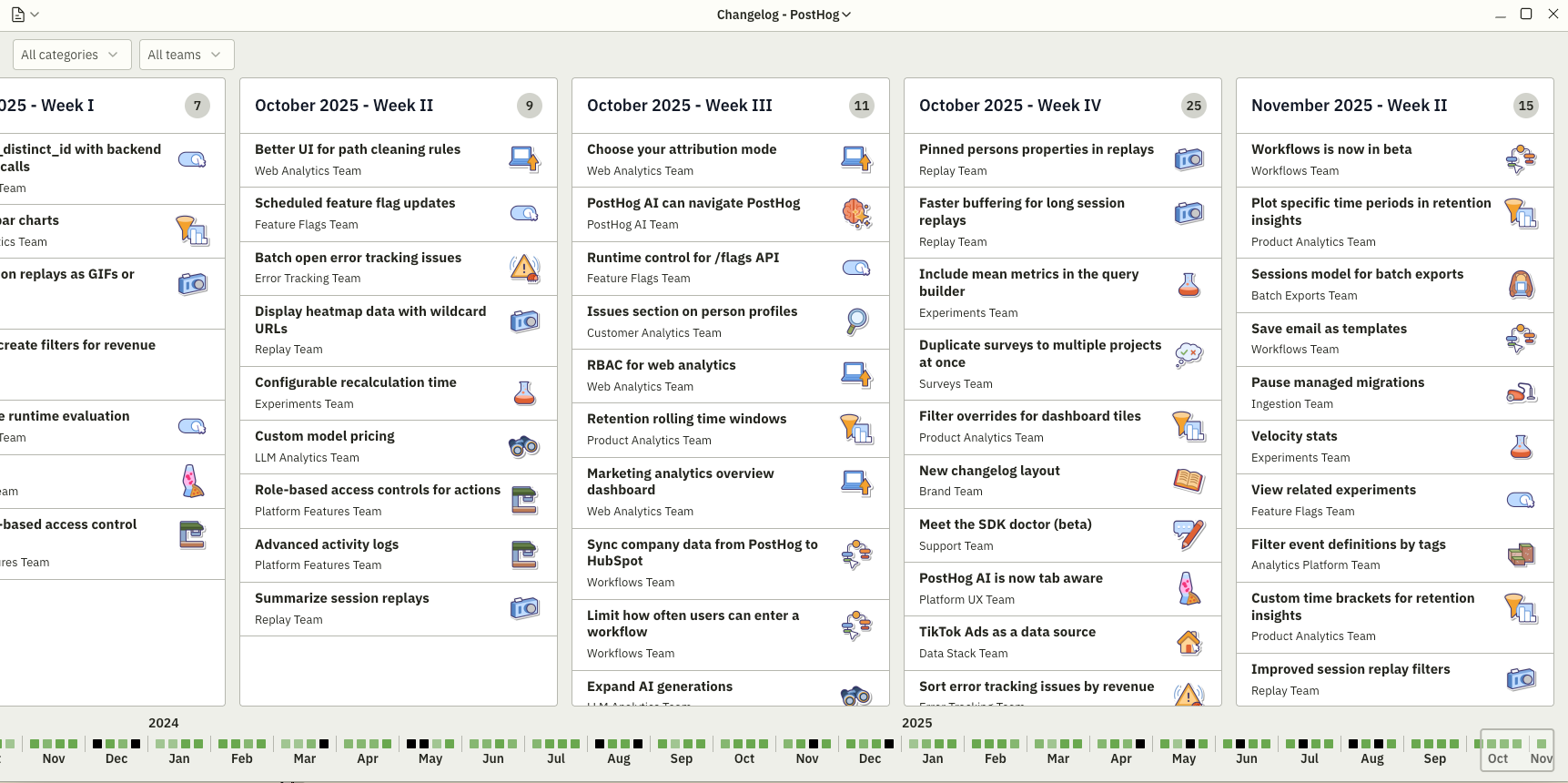
Not sure they even need this. James basically covers the entire internet on his own, lol.
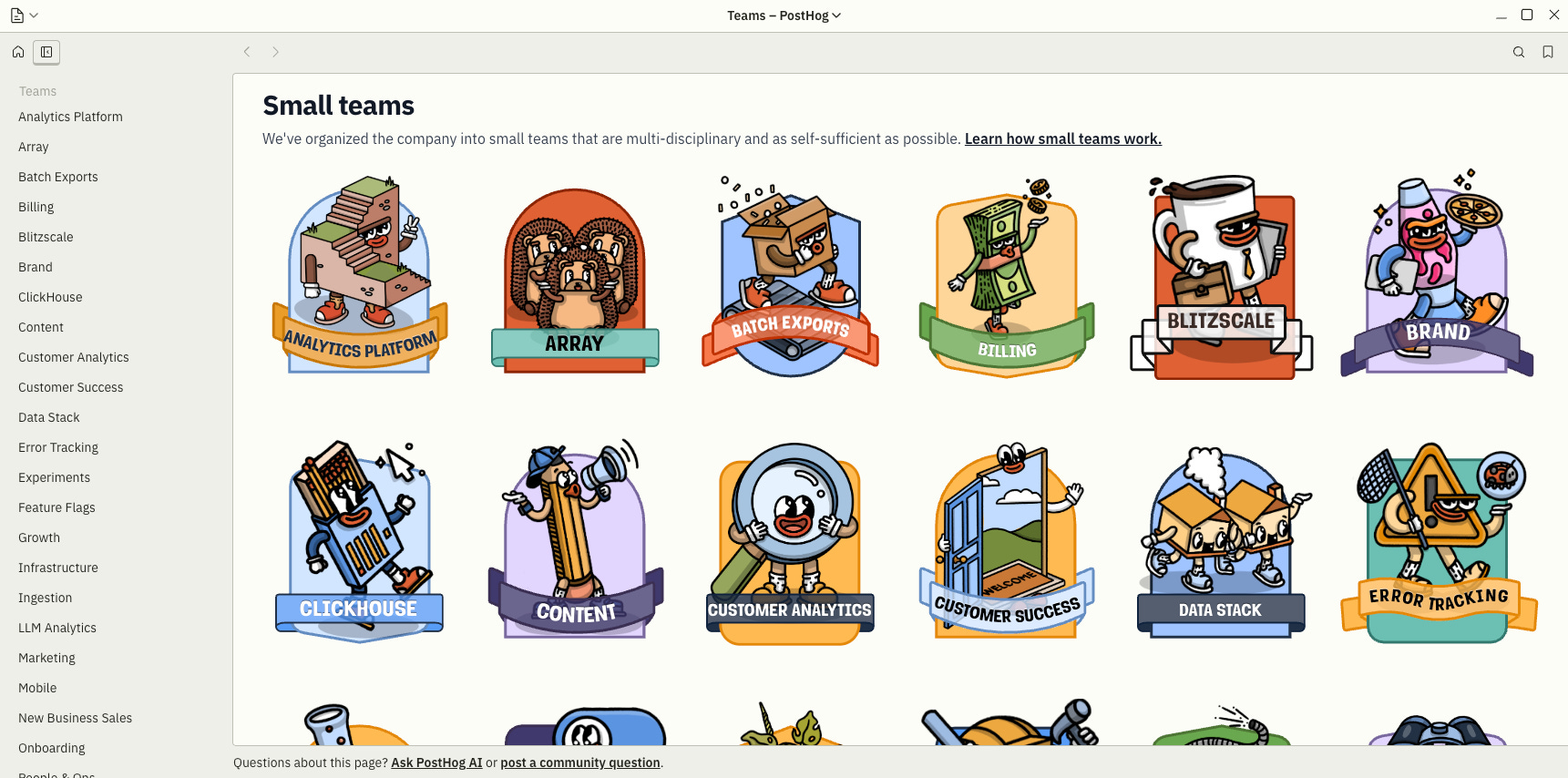
A bunch of graphics and tiny blurbs about everyone behind PostHog. It’s not a yearbook… but it’s basically a yearbook.

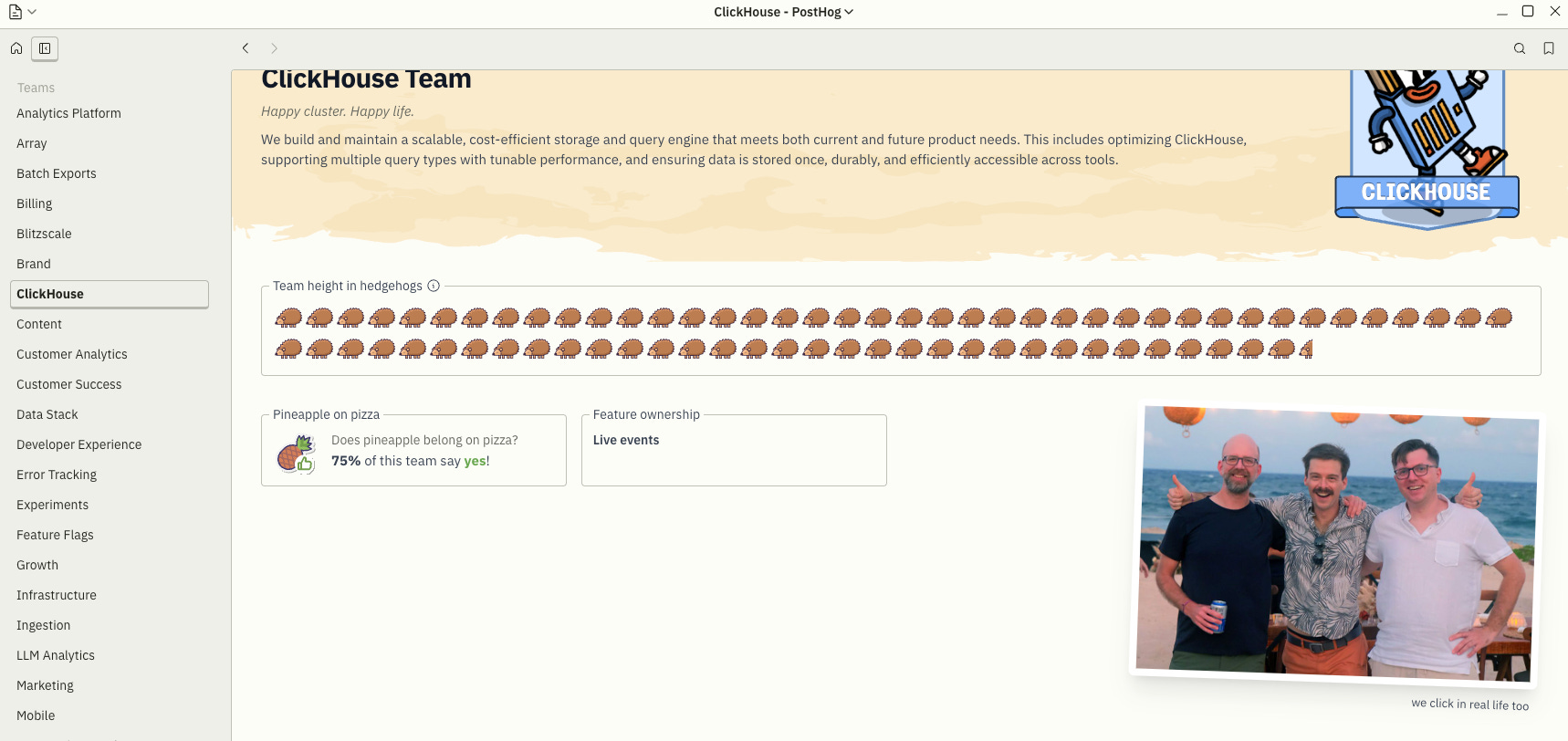
You can see what’s the size of each team with hedgehogs unit and what percentage of them think pineapple belongs on pizza. Also, almost forgot, you can check their team goals there too.
That’s basically it. ClickHouse team? My favorite. Who doesn’t love ClickHouse?!
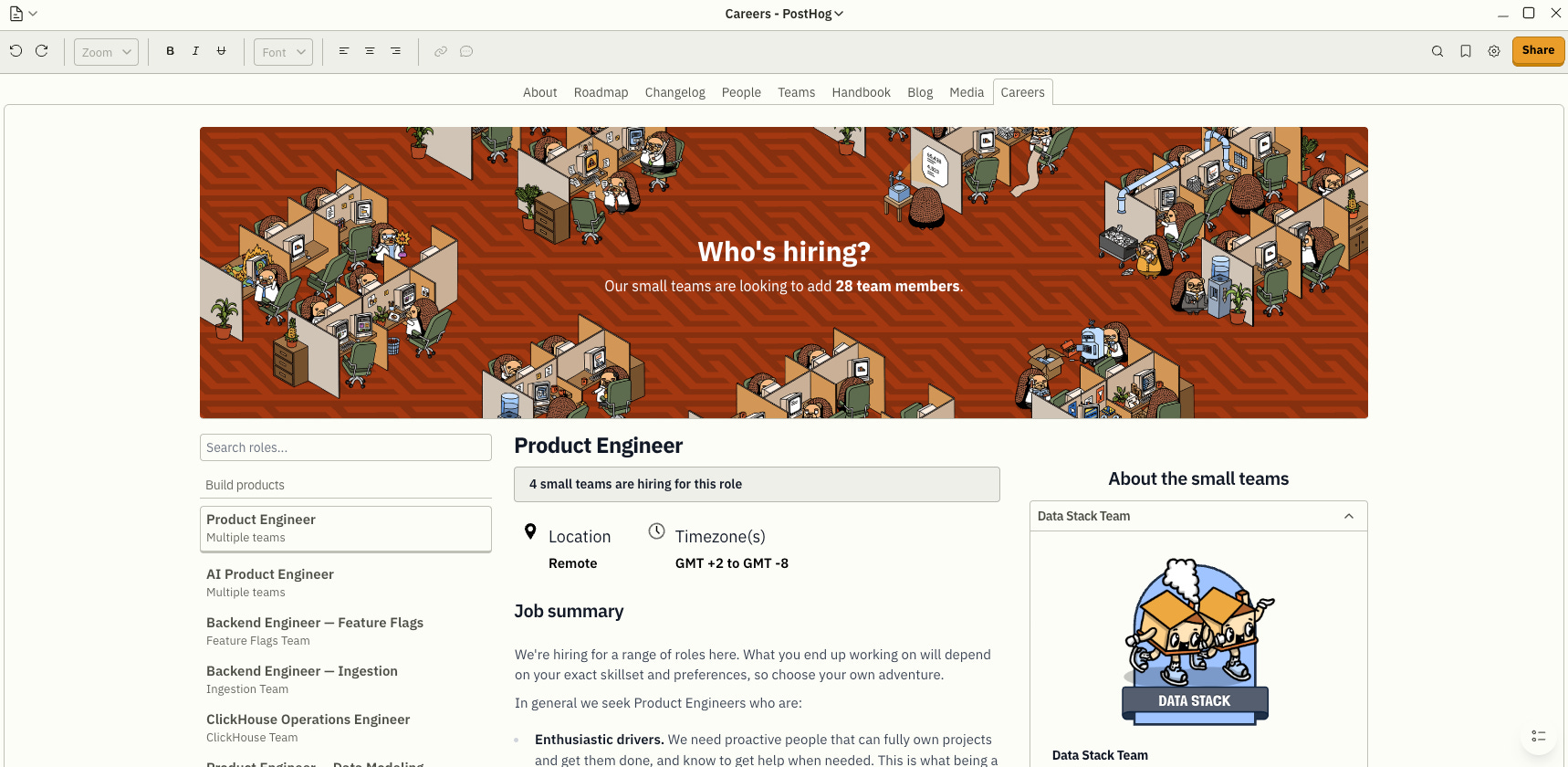
That’s where you apply, I guess…but might be wrong…
Like and subscribe

Links to their socials - so smash that subscribe button, bro! That’s how the YouTubers shout it nowadays, right?
More
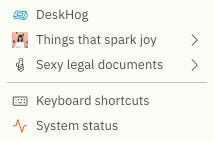
Starting from the bottom: system status. The standard “is everything on fire?” page every devtools site has. Next. Keyboard shortcuts. Let’s stop here for a minute.
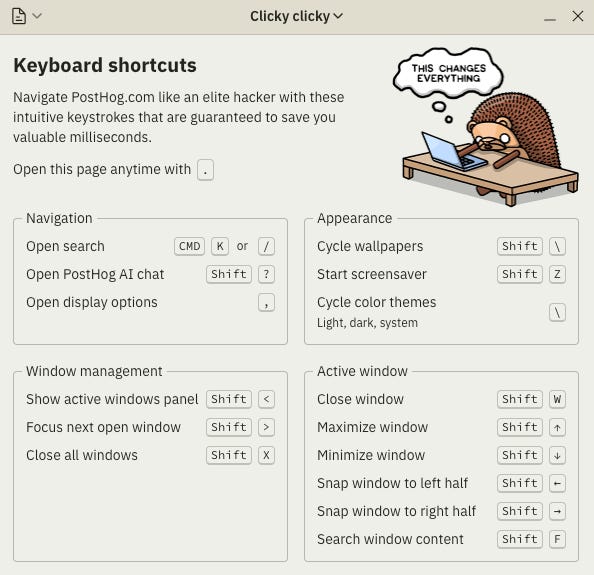
Plenty of nice things here, but one you cannot skip: Open display options.
C’mon. James Hawkins as the cursor and hedgehogs in cubicles. If that doesn’t sway the guy below toward PostHog, nothing will.

Alright, next one. Sexy legal documents. I’m into it. HIPAA. SOC. DPA Generator - could be useful, doesn’t have to be. Your call. Depending what you do on a daily basis.
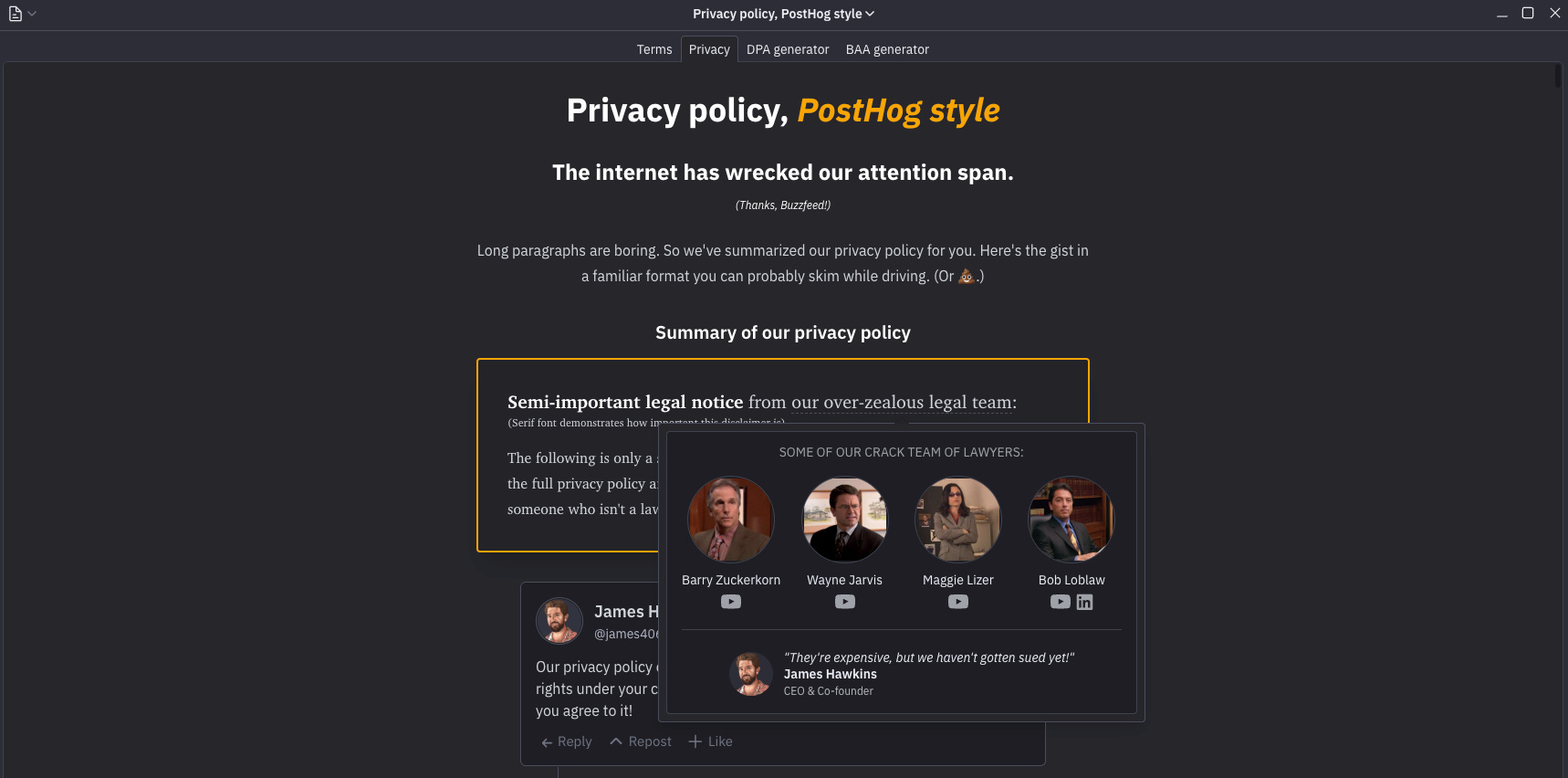
Okay, Privacy policy. Yes, it’s for lawyers, but if you’re not one, don’t worry, it’s still oddly enjoyable. Same deal with the Terms.
What’s that Things that spark joy folder.
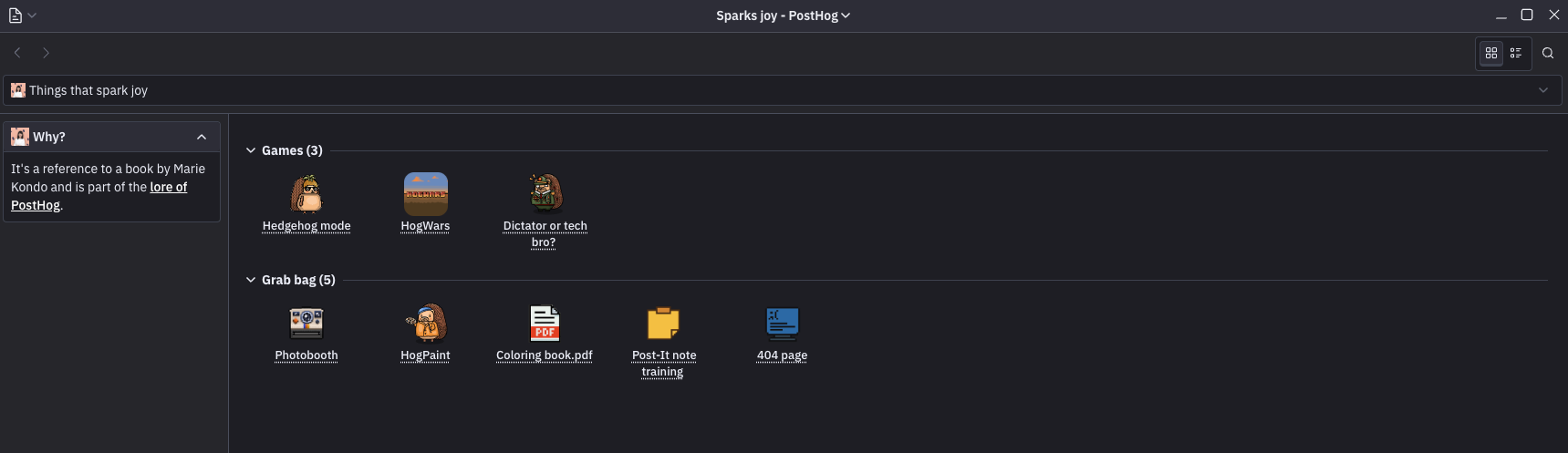
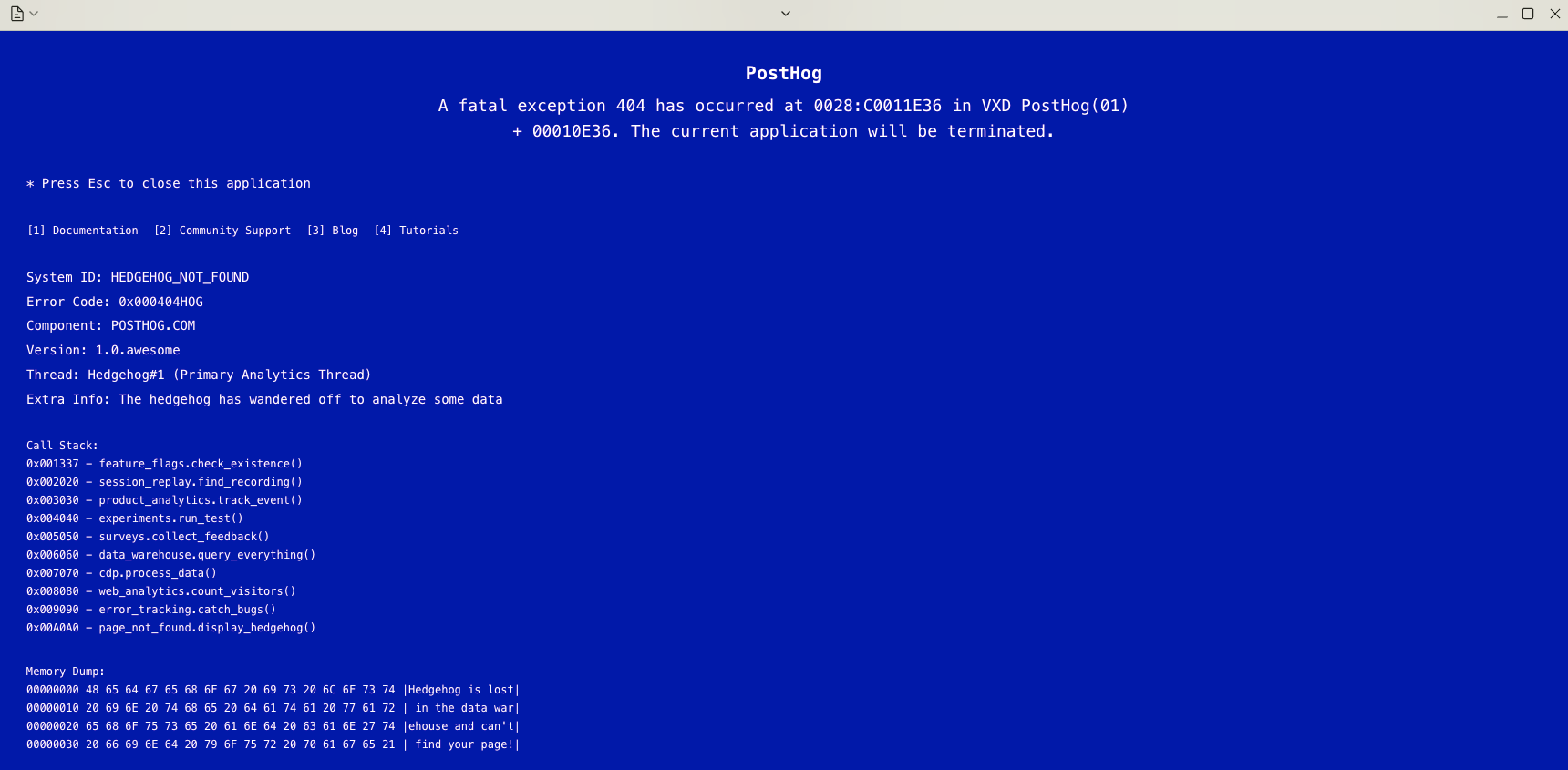
Crashed the game. Totally worth it though!
Can’t play those arcade games, sorry!
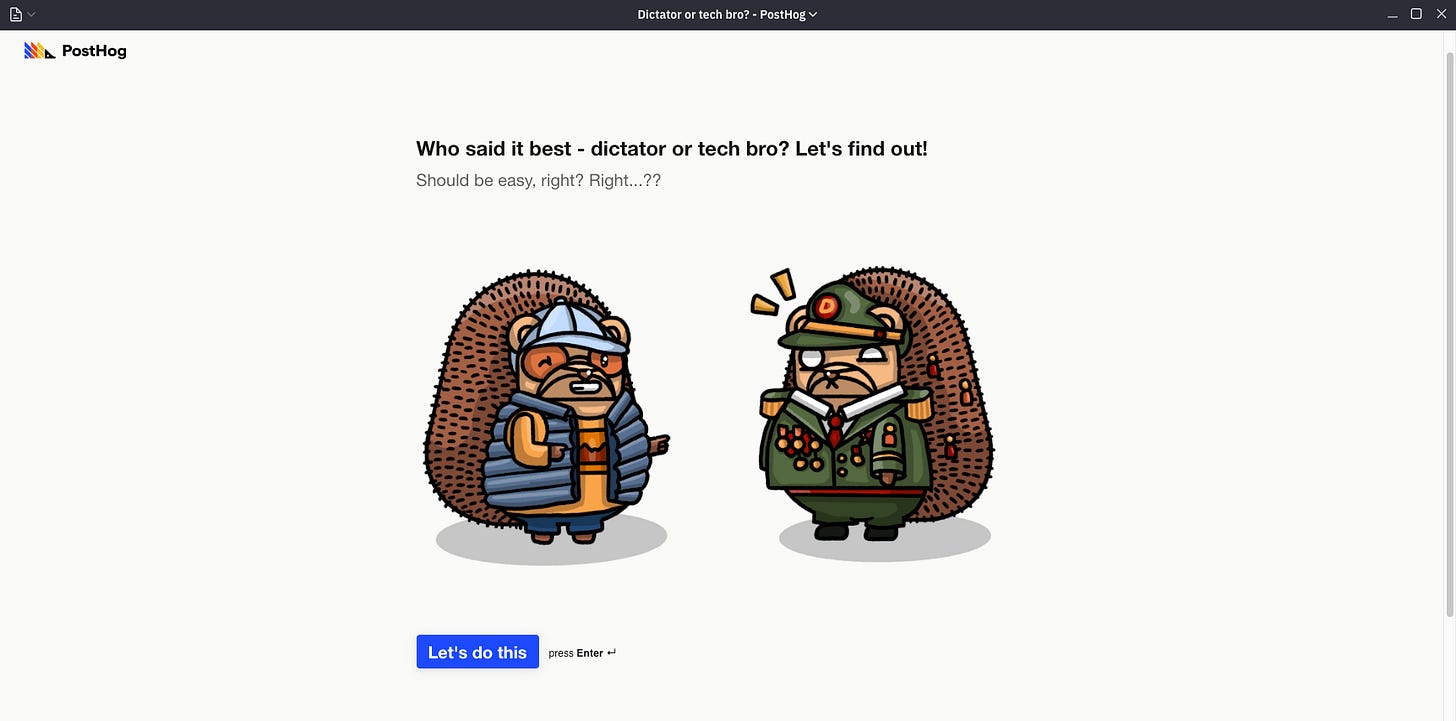
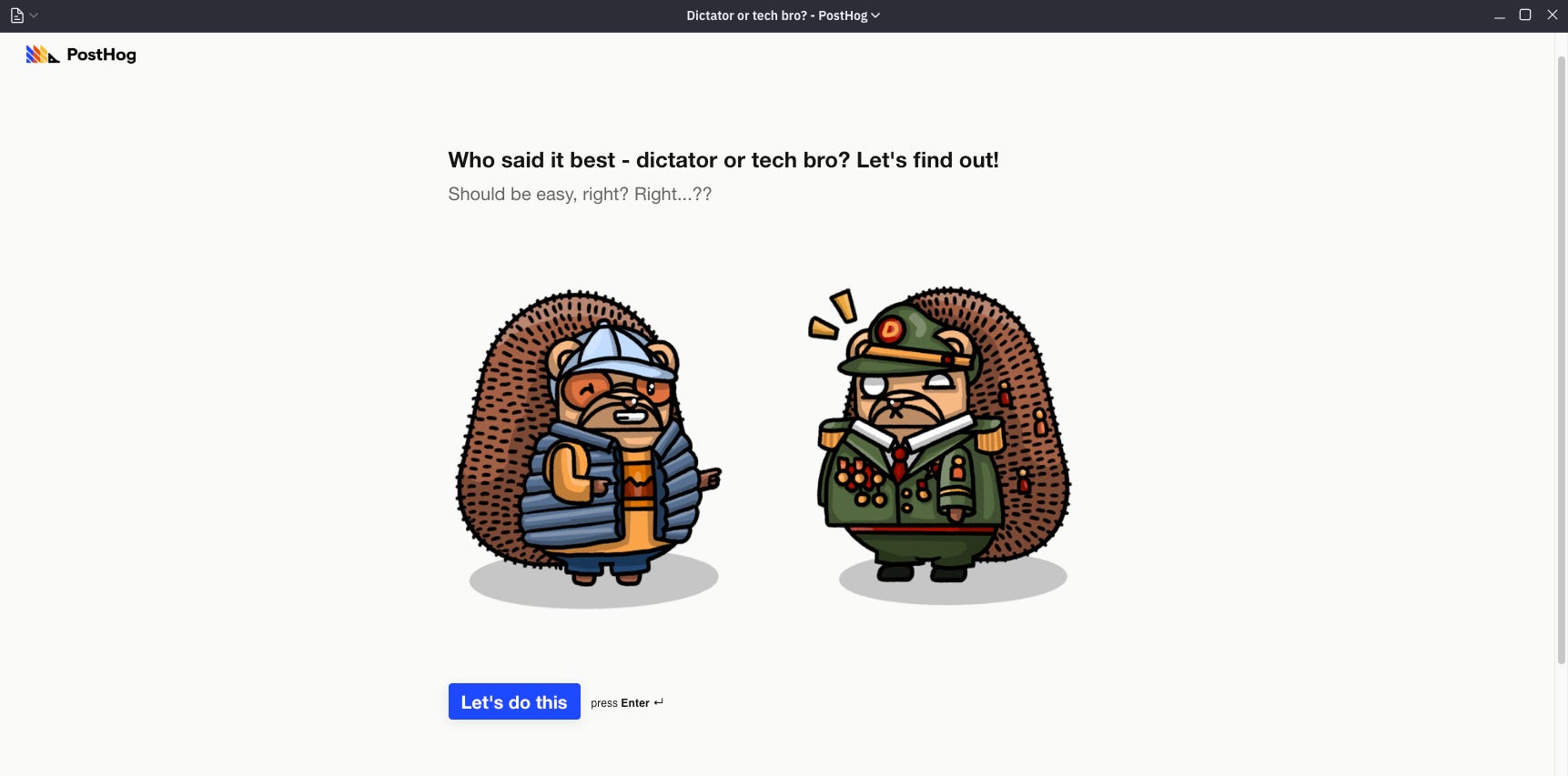
Dude, I’m not touching this one. It’s basically the internet’s most re-taken quiz at this point.
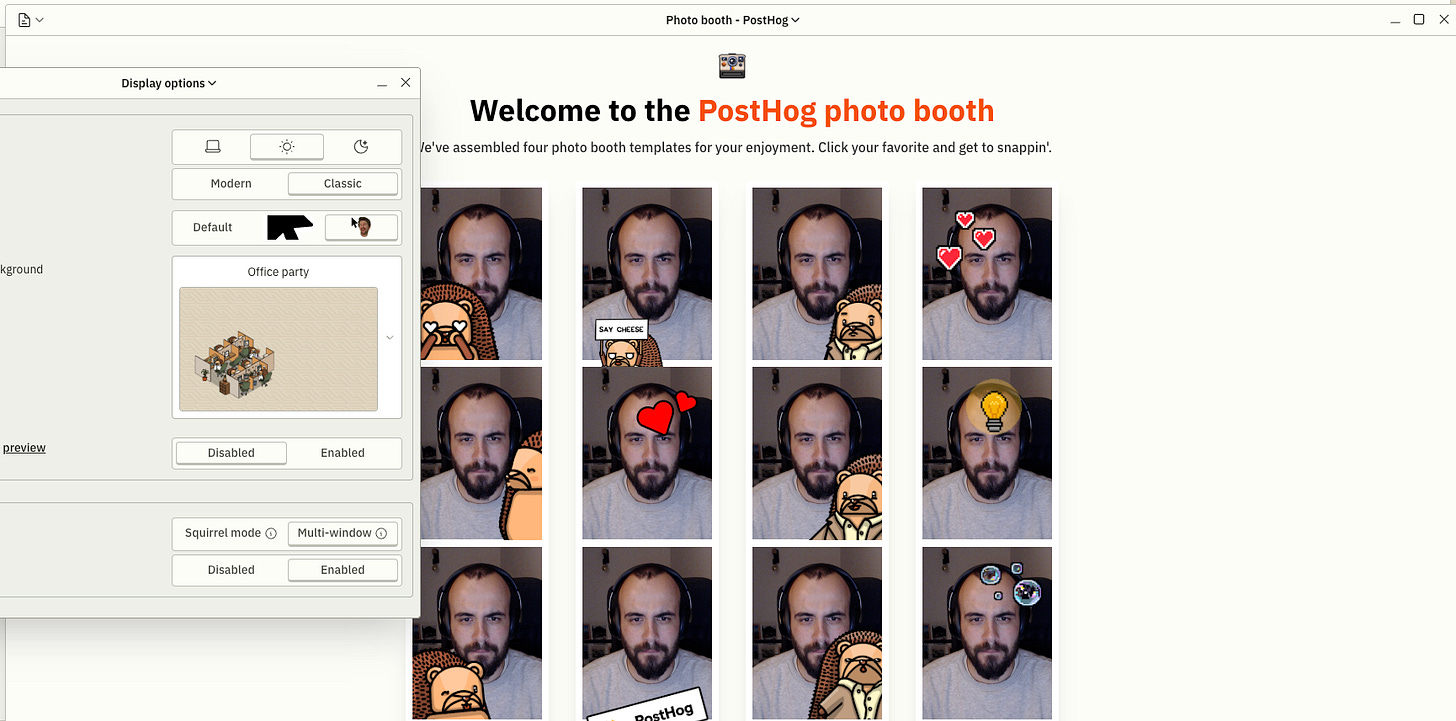
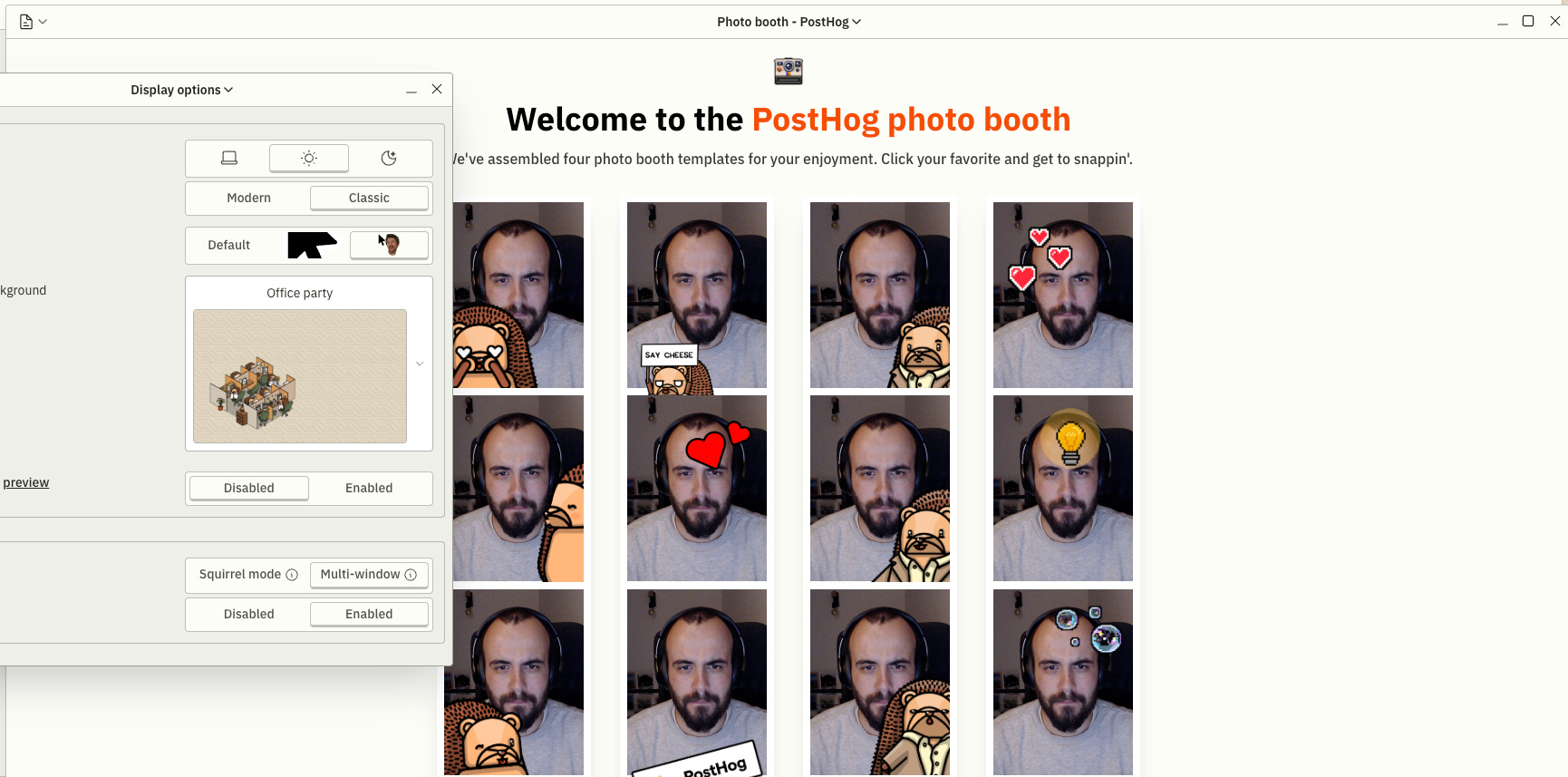
It’s the wedding thing. But PostHog-style.
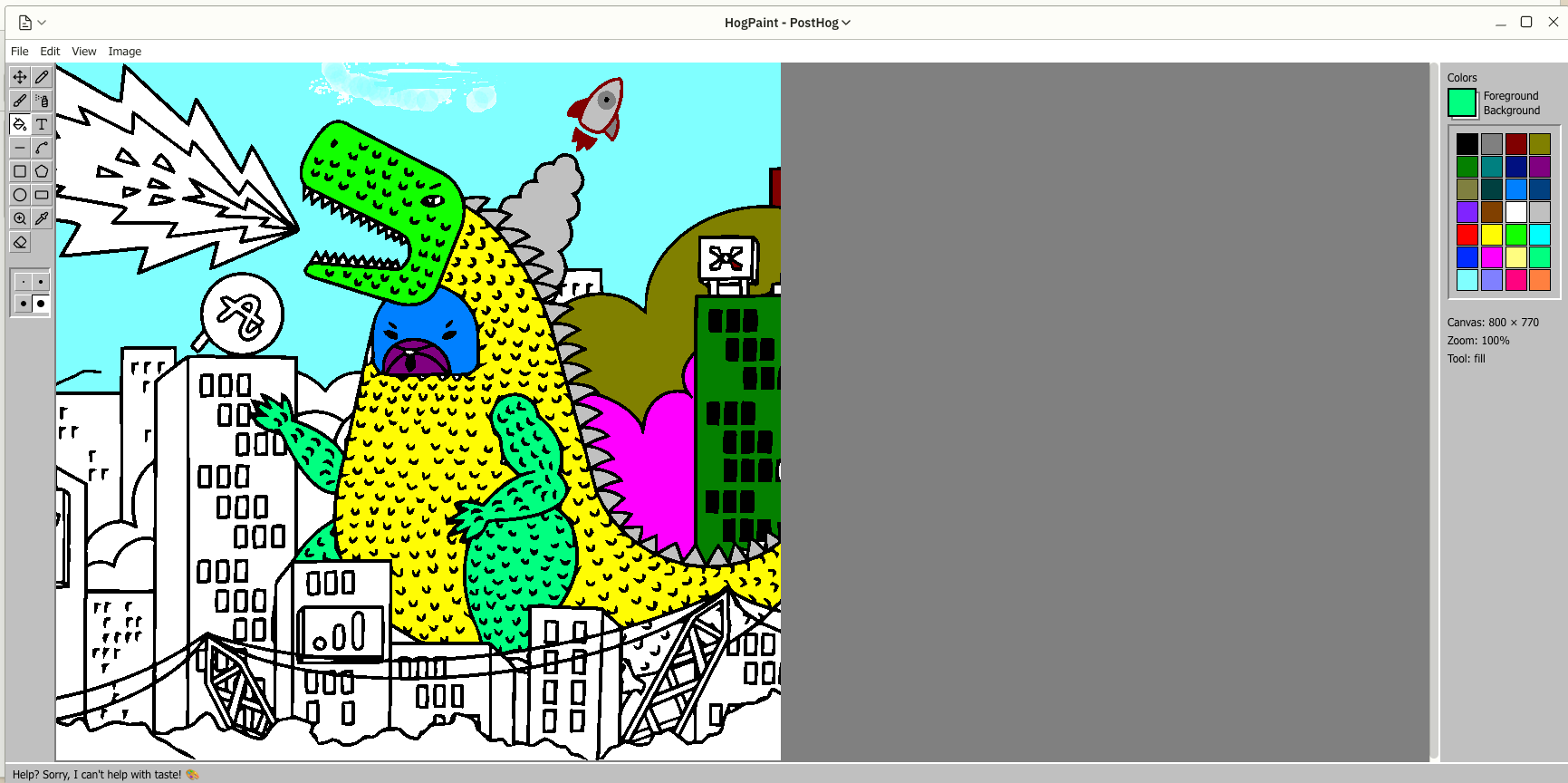
I wish it actually helped with taste, despite what it claims down there.
Have a kiddo? Print them one!
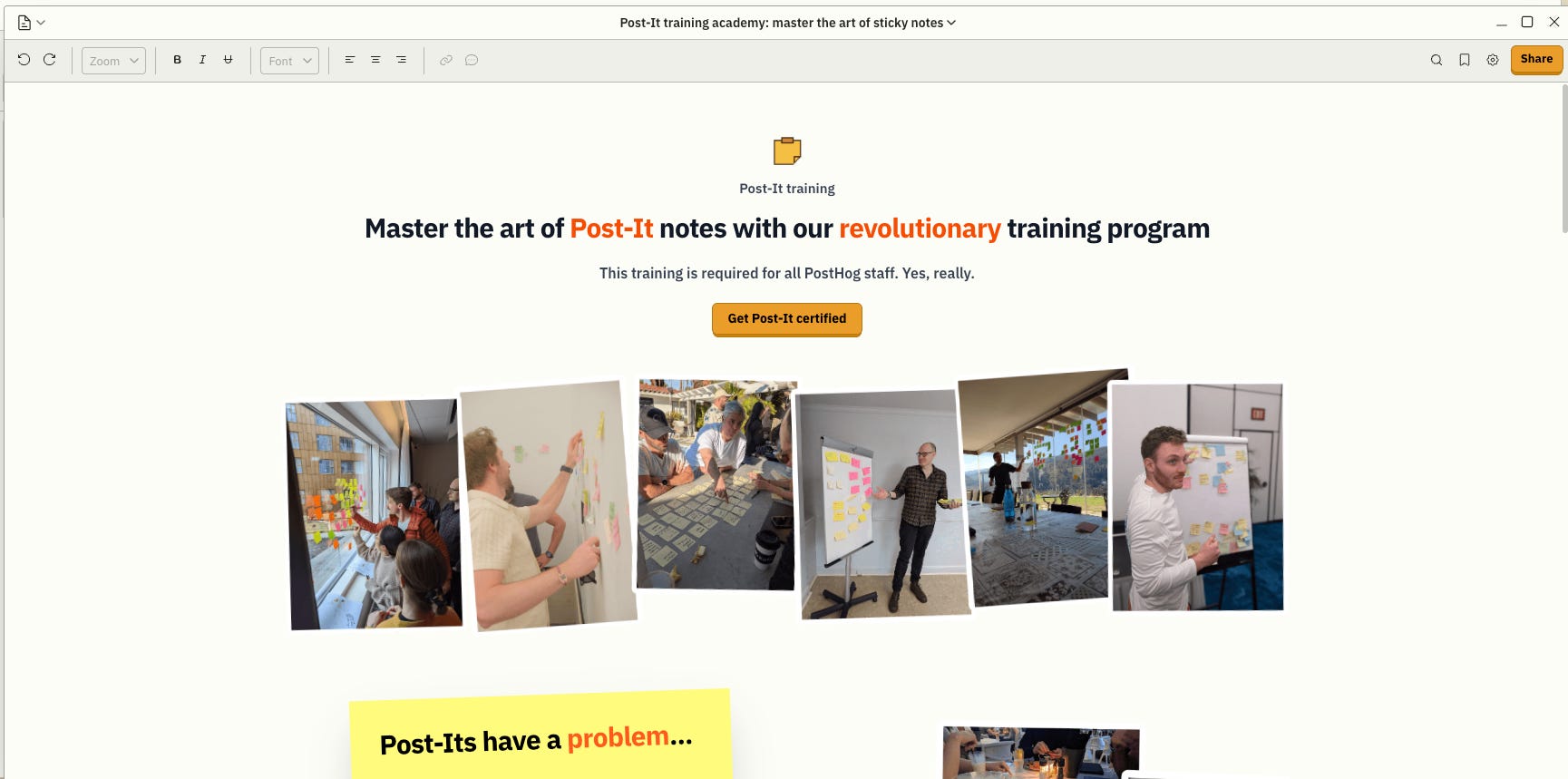
I know what you’re thinking: you already have more certificates on your to-do list than you have free weekends.

I’d leave this beast for later too… but watch the video, and when you finally pass the training, flex it on LinkedIn. Of course.
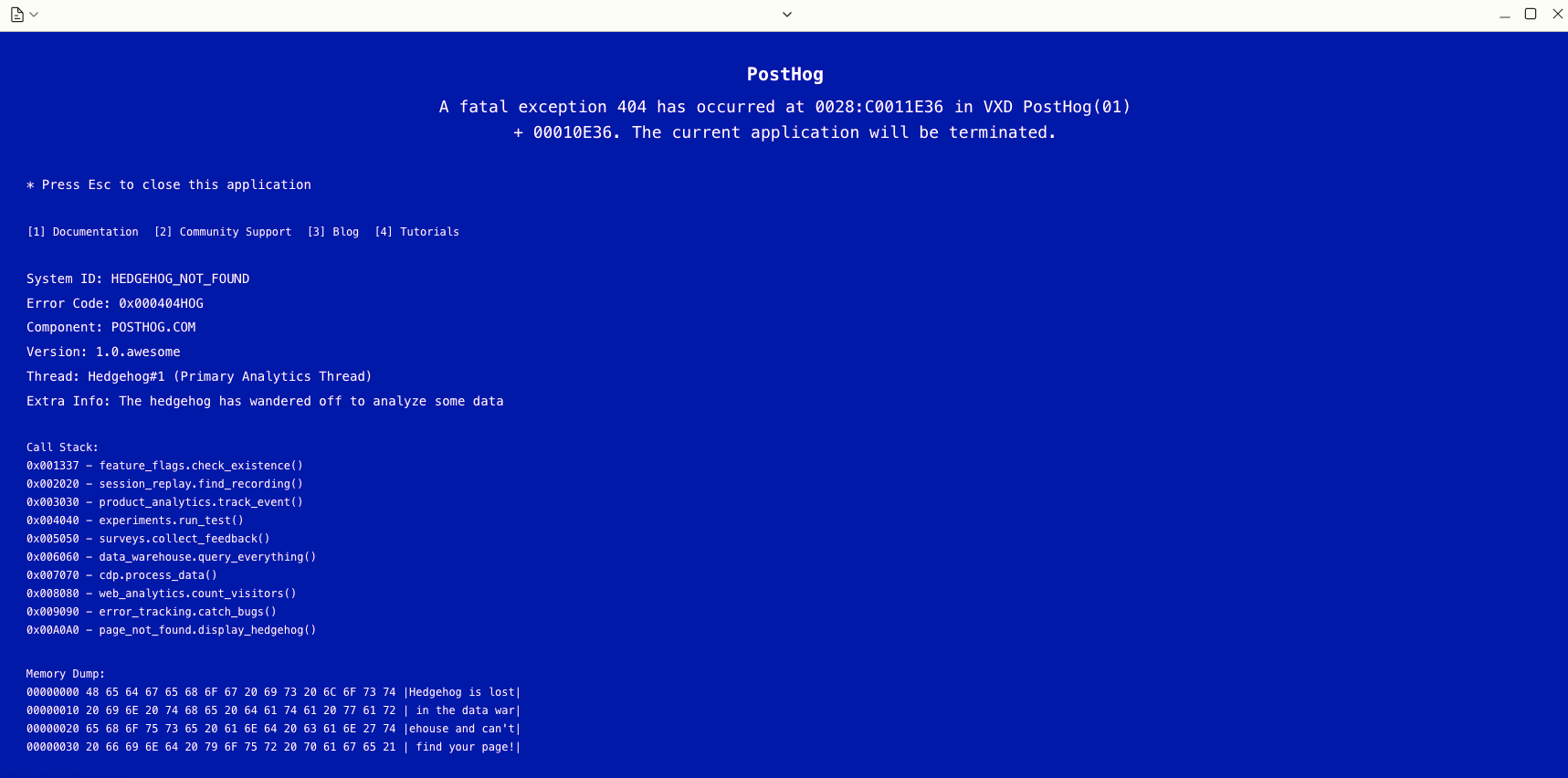
This one looks familiar.
It’s out of stock but you better check that out! You haven’t seen a better piece of hardware on the World Wide Web.
The sidebar. The right side of it actually
This thing is really simple. It’s your admin plane.

Think of it as the bottom-left Start button in Windows Millennium - admin-ops edition.
Here’s what you can actually do there with PostHog:
Create your PostHog account
Use the search bar to find anything PostHog-related
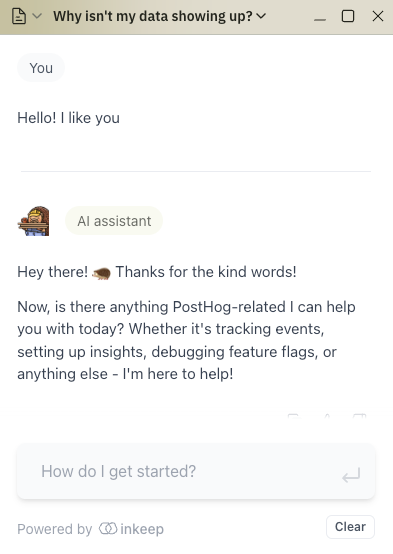
Chat with the PostHog AI chatbot
And yes, the chatbot is actually trained properly and actually useful. I asked it about a problem, and it pulled up a GitHub issue and community forum threads with similar problem.
It’s here to help, not to chit-chat. Look how fast he changed the subject in our lovely convo.
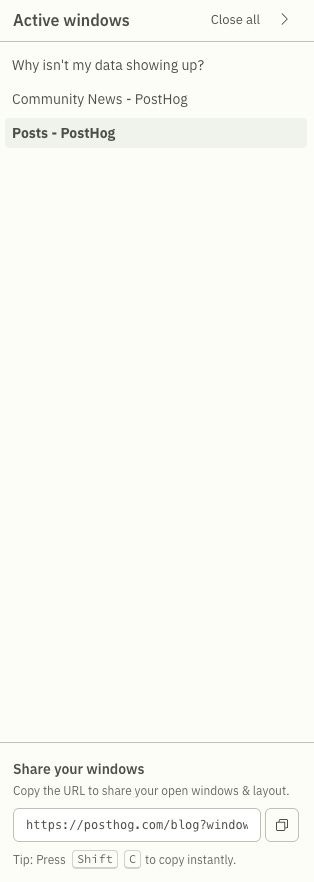
If you’re drowning in windows already, the bookmarks manager (discovered it finally) is your lifeboat. Check the cool little option down there. Trust me.
Or simply go to your account dashboard. That’s it. Sweet and simple.
What now
Exploring PostHog’s website is like playing GTA: San Andreas. You’re doing the missions but also constantly hunting for easter eggs. (Ekhm, side quests)
And I know exactly what you’re thinking at this point:
“What’s the conversion rate on this thing?”
Dude.
Are you James Hawkins or what?